

Welcome to the blog!
Scroll down for the latest and greatest, filter by category, check out the most popular tutorials, or search for what you want to learn below!
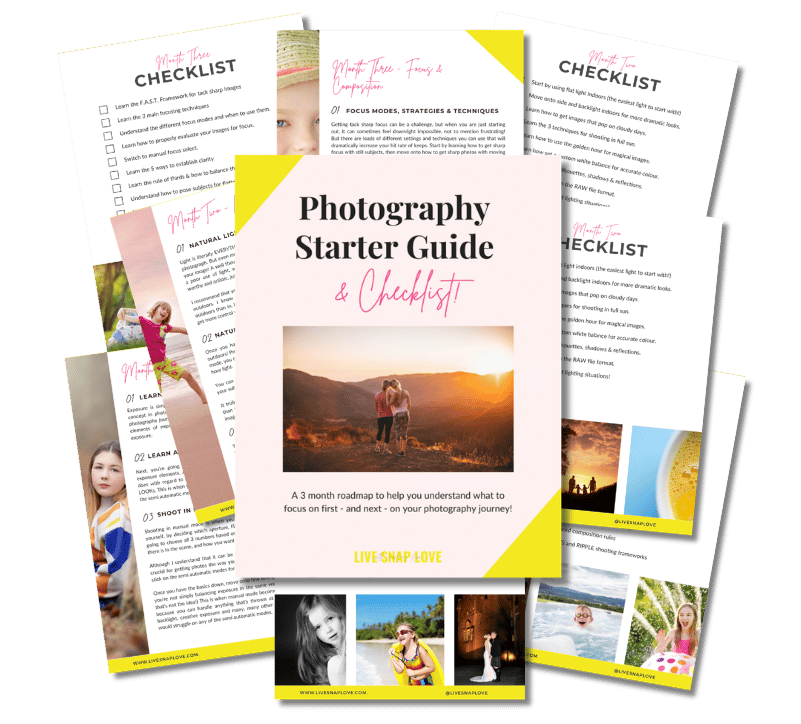
Want to learn photography but have no clue where to begin and what to learn next??!
Steal my Photography Learning Blueprint and get the clarity, checklist and step by step game plan to help you get photos you love - quickly!

Must Use Camera Settings for Portraits
Although I’m a big fan of unposed “lifestyle” or documentary images, I can’t deny that i love a good portrait shot too!
So this blog post, we’ll cover the best camera settings for portraits using natural light - either indoors or outdoors.
Please note that if you work with studio lighting, or use flash, your settings are going to look different from the ones below. But since I love natural light, and I’m guessing that most people who read this blog use natural light, that’s what we’re going with :-)

How to Fix an Overexposed Sky in Lightroom (in 3 simple steps)
We’ve all done it - taken a picture where we’ve overexposed the sky, either by accident or to try to ensure our subject is correctly exposed. But, fret not, as you can quickly and easily fix an overexposed sky in Lightroom - and in just three (or even two!) simple steps….
And that’s exactly what I’m going to show you how to do today!

Quick Guide to Photoshop: 3 Must-Use Tools
Photoshop is seriously filled to the brim with wonderful tools and shortcuts that can make editing our images a breeze, allow us to get more creative with our images, add a little extra magic and sparkle, and make huge fixes that are simply not possible with Lightroom.
But unfortunately, because it can do so much, it’s not exactly easy to learn 😔
That said, there are tools and features that you’ll find yourself using time and time again in Photoshop, so after a while, although it’s still a beast of a program, using it does become so much easier when you have some basics down.
So in this week’s blog post, I’m going to share just 3 must-use tools in Photoshop, especially selected for those that are new to the program, because they are SO simple to use, and because you’ll use them all.the.time.

Your Reading List For Getting Better Photos of Your Child This Summer
With summer officially just around the corner (at least it is if you are reading this as it goes live!) I’ve got a lazy and breezy summer themed blog post for you today 😃👙☀️🍦🍹
I noticed a definite dip in how many photos I took each year just after my son started school. No longer could I just pick up my camera at any time of day - I had to try to squeeze in photos in the morning (unlikely, since I’m never organised enough to find myself with a spare 5 minutes before school starts) or having to wait until he got home, which in winter, meant it was already getting dark.
So, for me, summer is a time when I tend to take a lot more photos since we don’t have to get anywhere in a rush, and where I can take photos all day long if I feel like it.
I also read something that resonated with me (and if you have kids I’m pretty sure it will resonate with you too) that we only get 18 summers with our kids. That’s SO crazy to think of it like that, right? It makes me just want to bottle up each and every summer. Since I can’t do that, capturing them as best I can is the next best thing.
So, in honor of aiming to capture another one of our 18 summers together, I thought it would be fun to compile a summer reading list for you, all with posts that should help you get better photos of your kids this summer.

5 Questions You Need to Ask Yourself Before Taking a Photo
Do you ever feel like sometimes you’rre just winging it when you pick up your camera?
That you get all flustered and not quite sure what you should be doing….?
….So you end up just clicking and hoping?
Then this week’s blog post is for you!
I wanted to break down some of the things you should be thinking about when you take your photo - many of them before you even lift the camera to your eye - so that you can shoot more purposefully, and most importantly, get better photos.
So we’re going to go into FIVE questions you should ask yourself when you take your photo. There are more of course, but these are the big ones, the ones that can make or break your picture, so let’s dive into those now…

5 Times You'll Need Photoshop over Lightroom for Editing Your Photos
It’s no secret - I freaking love Lightroom. I love how much you can do in the program, how fast it is for editing your photos, and the whole end to end organisation thing just makes me want to kiss my computer screen.
But that doesn’t mean it can do absolutely everything.
There’s a damn good reason why Adobe bundled both Lightroom Classic CC and Photoshop CC together in their Photography Plan - because when you have access to both programs, you can do absolutely anything you’re little editing heart desires!


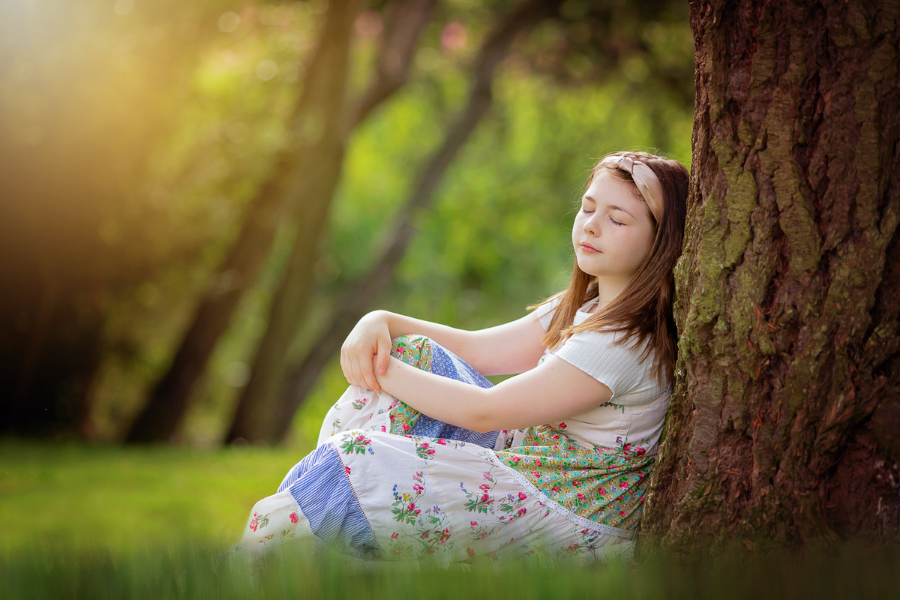


Check Out These Reader Favourites



It's been quite a few years now since I made the switch from Aperture Priority Mode to shooting in Manual Mode, and it was one of the BEST things I ever did to improve my photography skills.
It was like a whole new world opened up to me, and I started TRULY understanding exposure, and in turn, getting the images that I wanted.
Of course, there was a lot to learn, and there are some things I wish I had known before I started!
So, here are 10 things about shooting in Manual Mode that you might just wish you knew…