Online Courses For Photographers
Step by step, easy to understand courses for portrait, lifestyle & documentary photographers who want to master their camera and get more creative photos quickly, and with less frustration!
18 Years Photography Experience
14+ Years Teaching Experience
8k + Students Worldwide
Courses to help you…
Get better in-camera photos
Step One
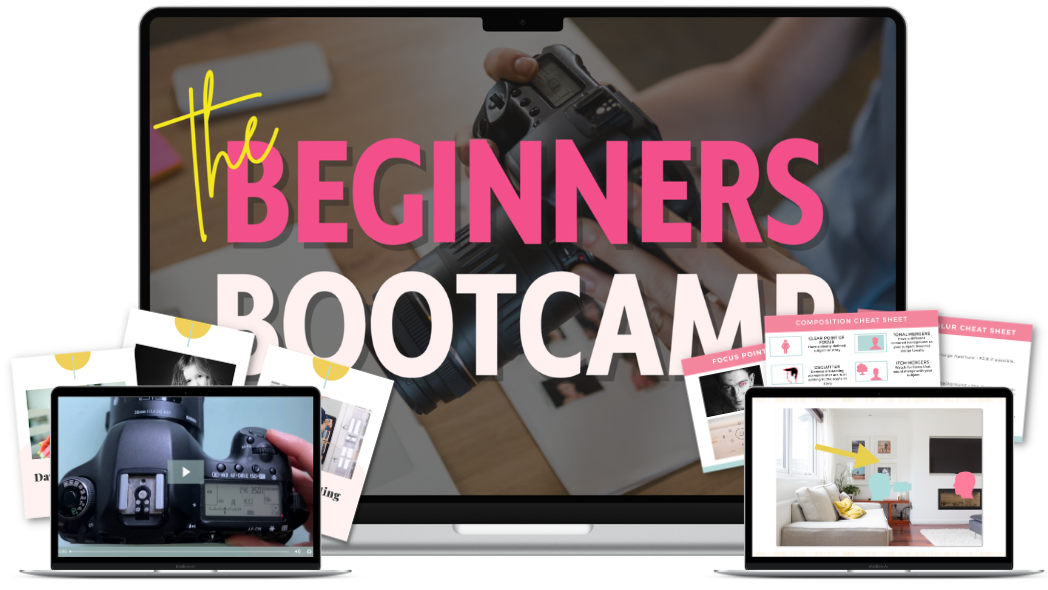
The Beginners Bootcamp
Step-by-step, real world techniques that all work together to help you take your first steps with ease - and make a huge improvement in your photos quickly!
This is the perfect workshop if you want to get better photos quickly, and a great pre-cursor to Auto to Awesome!
Step Two
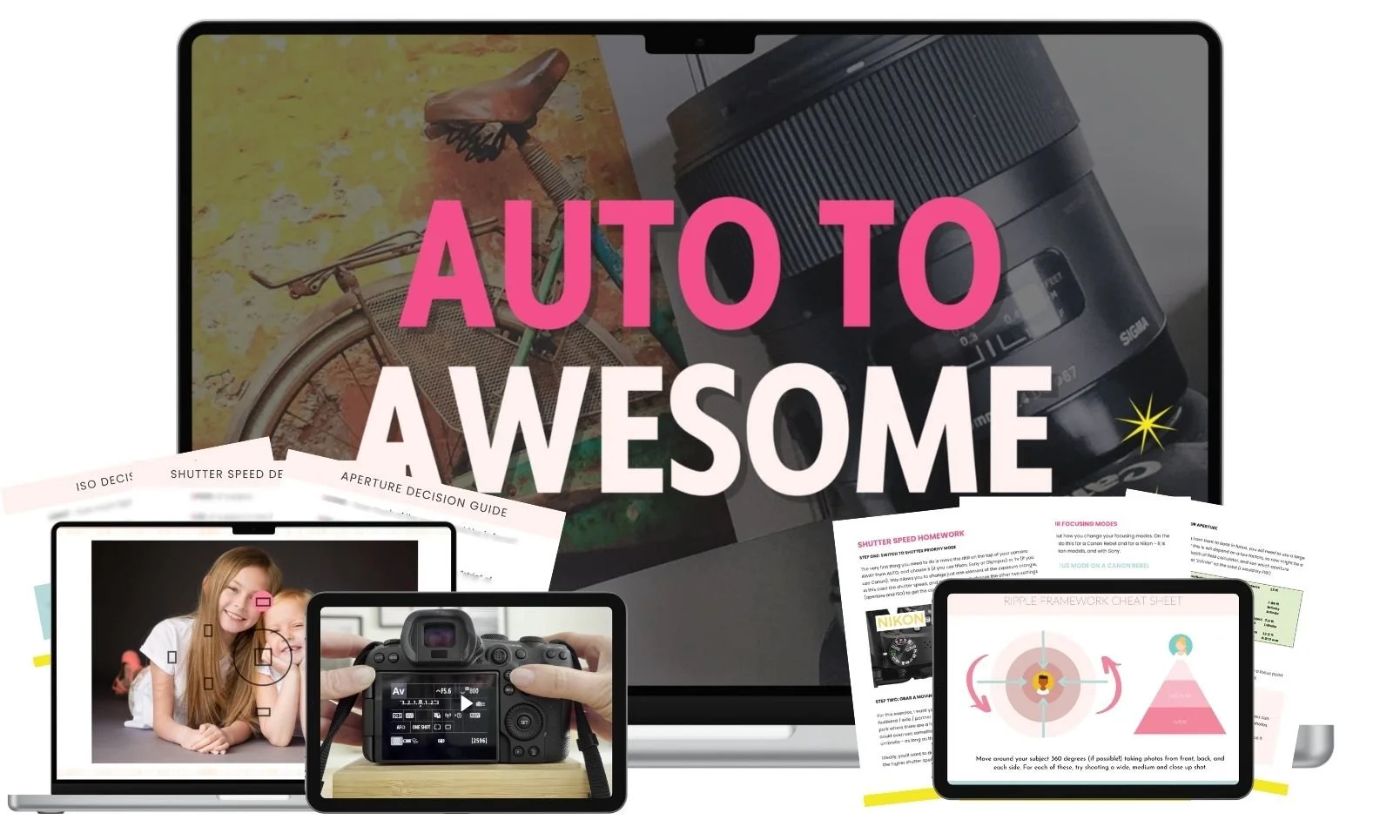
Auto to Awesome
Auto to Awesome is a six part program that gives you a complete, proprietary FRAMEWORK to follow that will turn your images from boring, middle of the road snapshots, into wall worthy, professional level images - and in just a few weeks!
This course takes you by the hand and walks you through it ALL, your camera settings, manual mode, focus, light and composition, so that this truly is the only photography course you'll need to start getting photos you love!
Step Three
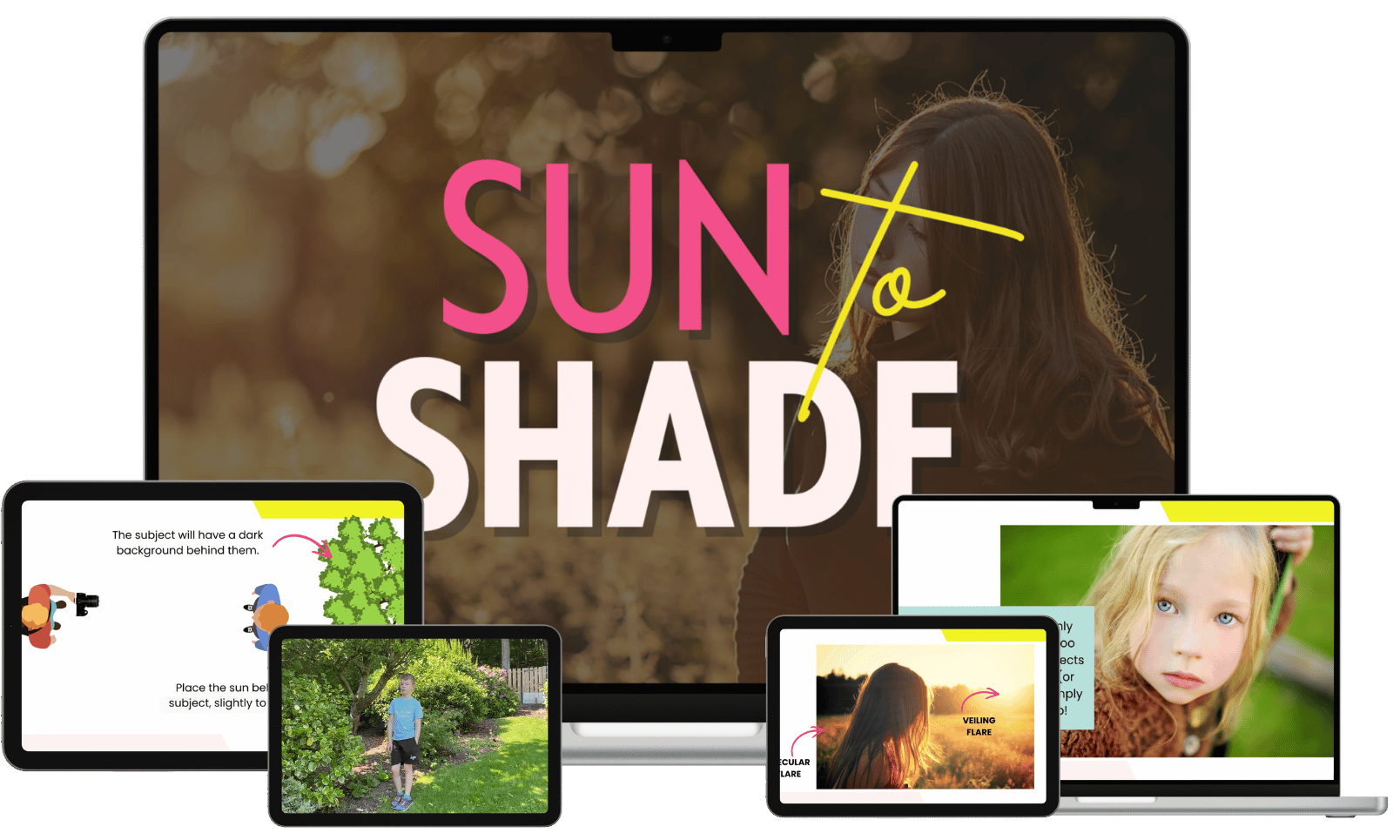
Sun to Shade
Learning how to use available light is oh-so-crucial in photography!
In this workshop, you’ll get a toolkit of techniques so that you can use outdoor light whatever the weather - from dull overcast days to bright harsh sunlight and everything in between!
With pro-tweaks and advanced techniques, this workshop goes beyond the basics to help you use light like a pro!
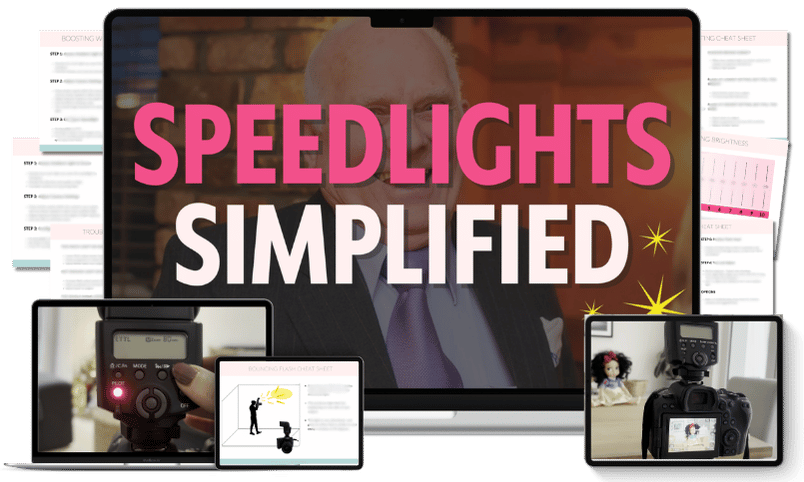
Speedlights Simplified
A simple, no-fluff framework for creating natural, beautiful light for your lifestyle and portrait photos! Learn this repeatable framework in just one weekend, and then the tweaks to use it in low light, as fill light, and on sunny days!
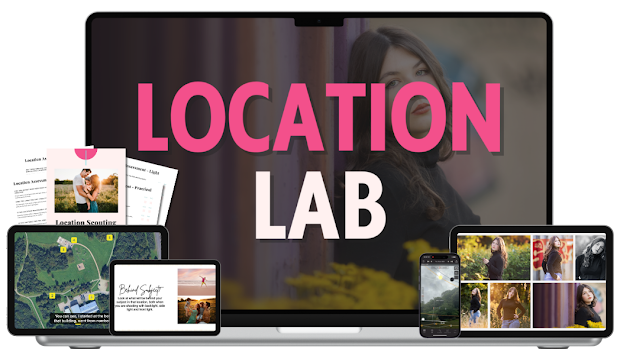
The Location Lab
Learn how to scout and use locations like a pro! Find the hidden gems in your neighborhood, recognise the creative opportunities, and create a flowing session plan.
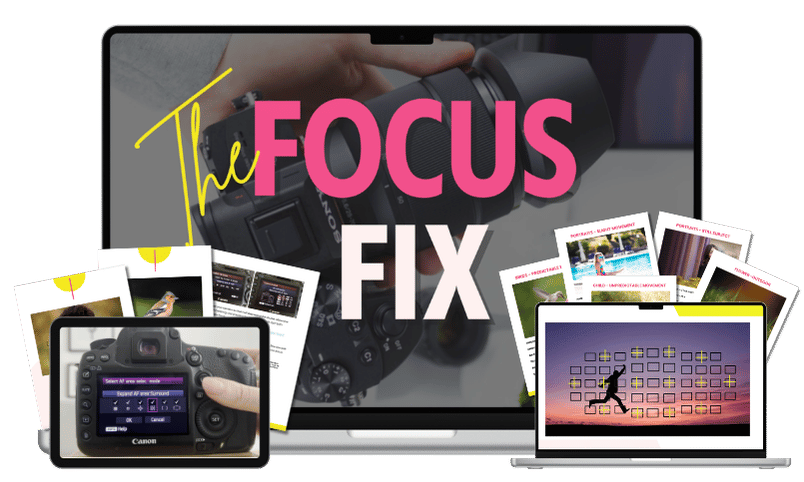
The Focus Fix
The same proven frameworks, techniques, camera settings and strategies that will help you nail your focus in every situation from Auto to Awesome (perfect if focus is your only issue!)
Courses to help you…
Edit Your Photos To Perfection in Lightroom Classic!
Step One
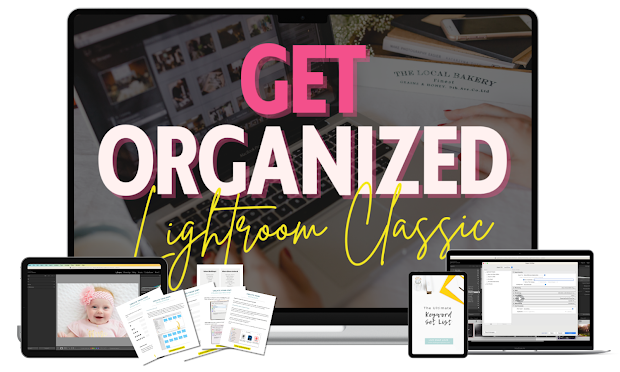
Get Organized in Lightroom Classic
Never fear losing your photos again! Find any image in minutes and keep your growing photo collection safe for future generations with our unique, easy-to-follow, step-by-step framework for organizing and managing your photos in Lightroom Classic.
Inside, I walk you through an entire system, with guides, checklists, worksheets, maintenance workflows, keyword set lists and more!
Step Two
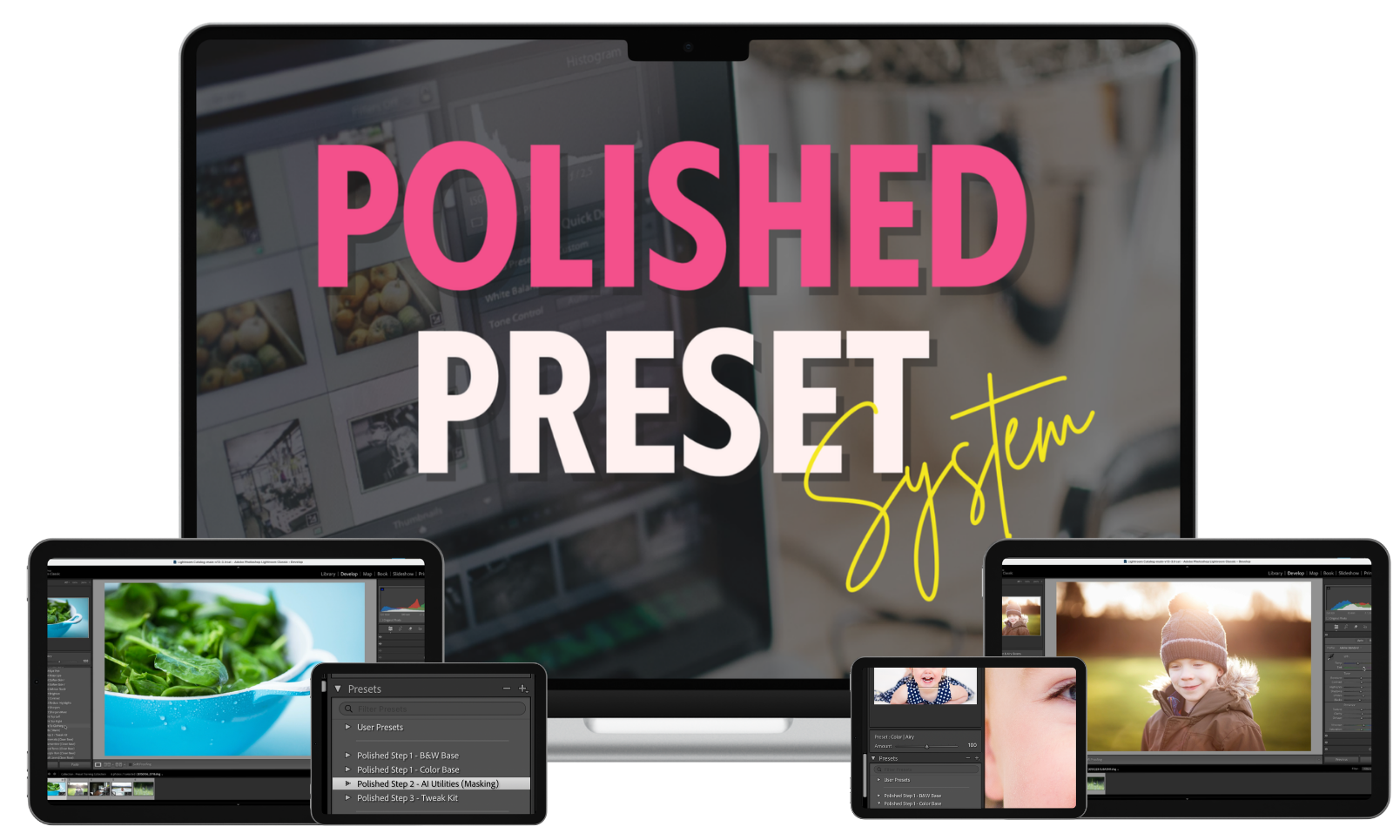
The Polished Preset System
The Polished Preset System is the ultimate preset toolkit for creating professionally edited images with ease!
With a unique 3 step process, these stackable, adjustable presets will allow you to be more creative, shave hours of your edits, and make editing more consistent (and fun!
These presets closely mimic a "by-hand" editing process, with presets that "stack" on top of one another to help you create a unique look.
Each one has Strength Adjuster Sliders so you can dial down (or up!) the strength of each preset, plus you get time saving "Utility Presets" that use AI capabilities, and 👉 a proprietary "Tweak Kit" to fine tune and customise your edits.
All together these presets will allow you to get images that look polished, professional, consistent and unique - and in mere seconds*
(*Not a typo - I do mean actual seconds!)
Step Three
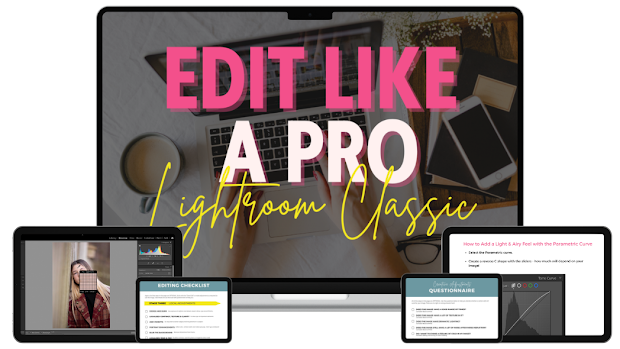
Edit Like A Pro in Lightroom Classic
Discover the step by step editing framework that will help you confidently create polished, creative, pro-level images (and wave goodbye to random slider pulling and endless tinkering 😉)
In Edit Like A Pro With Lightroom Classic, we go beyond just teaching you how to use the tools in Lightroom Classic. Instead, you’ll get a complete, start to finish editing workflow, my unique three phase "stacking" framework and tons of editing techniques.
Plus we'll help train your eye to look at your photo and see what it really needs, so you can make the RIGHT editing choices for your photos too!
In short, a complete roadmap to confident, consistent, creative pro-level edits (and in less time too!)
Courses to help you…
Get More Creative & Learn New Skills!
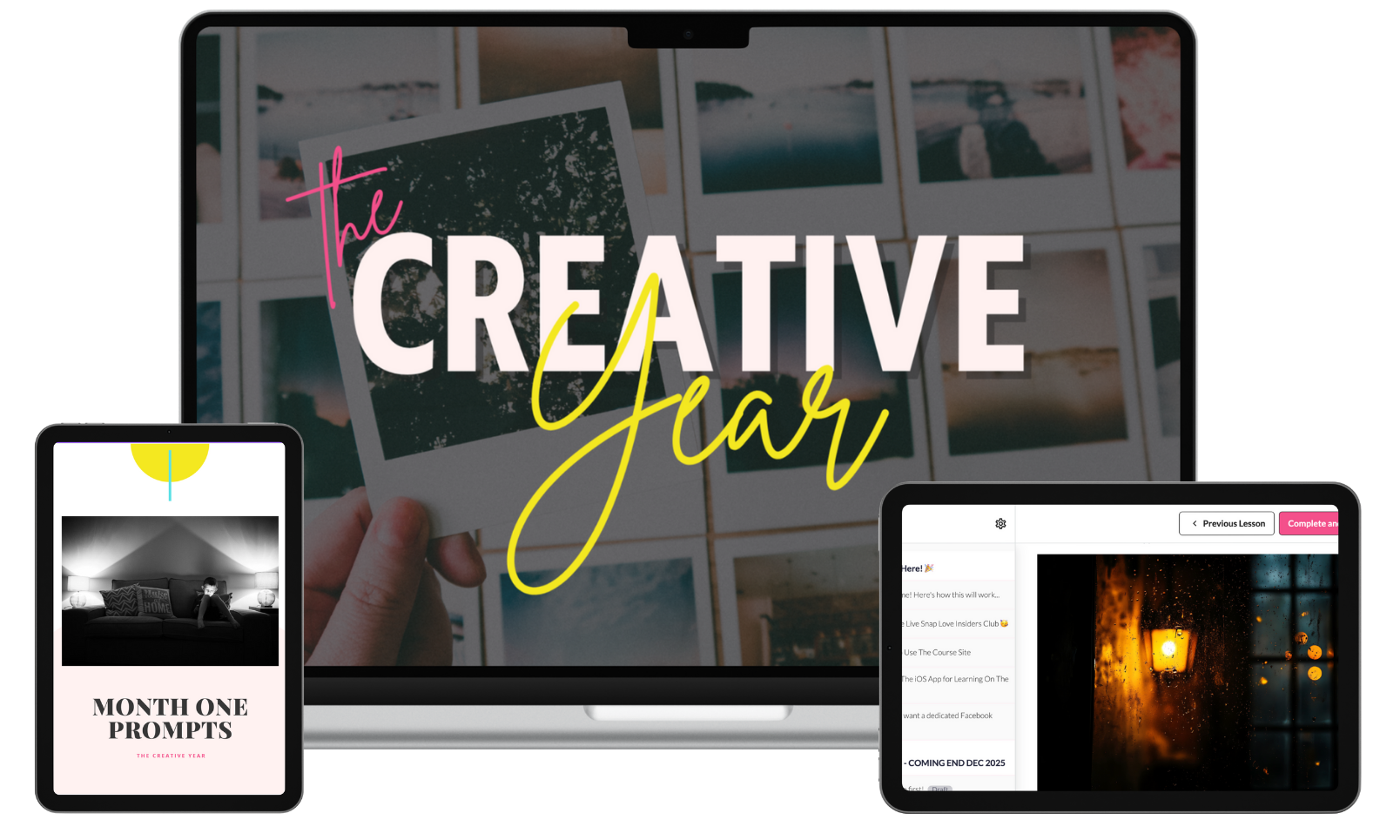
The Creative Year
Spark your imagination, practice creative techniques, and get you picking up your camera week after week!
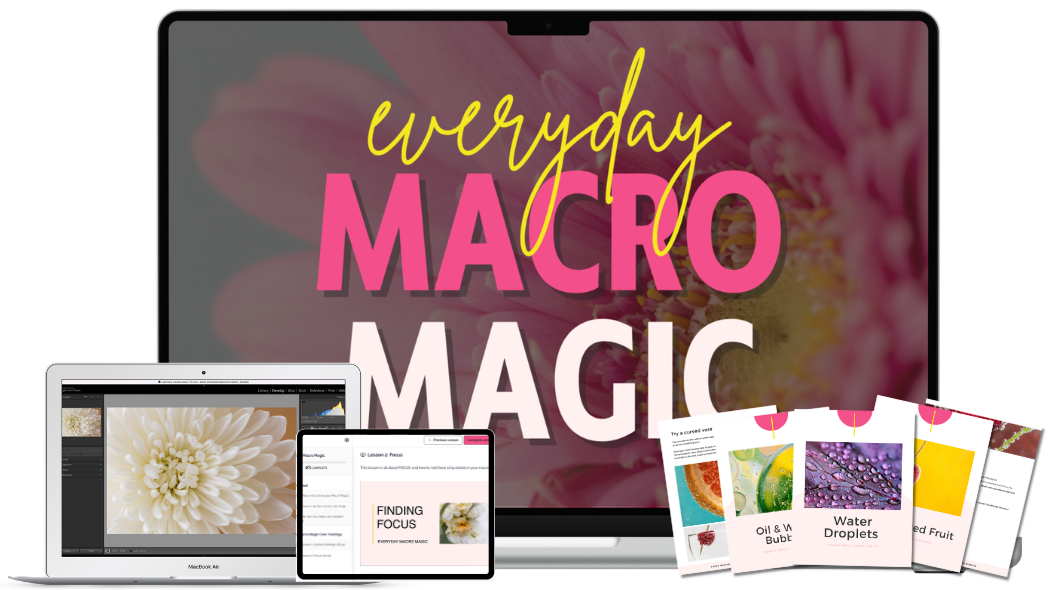
Everyday Macro Magic
Make magic out of the smallest details in your everyday life by mastering the art of close up photography in this easy to digest, hands-on workshop!
HOW IT WORKS!
Here's how to make learning a new skill take hours, not years.
Step One
CHOOSE A CLASS
Whether you're new to photography or looking to advance to the next step, we have a class for you!
Step Two
GET IMMEDIATE ACCESS
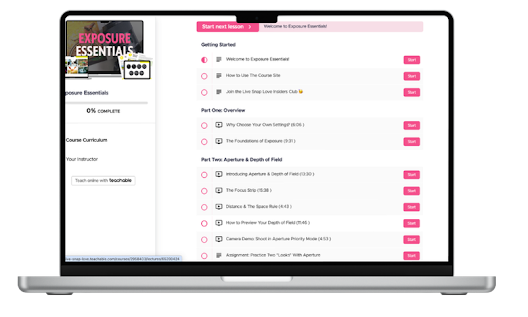
Everything is available immediately, on demand in a virtual classroom, laid out step by step.
Step Three
COMPLETE THE LESSONS
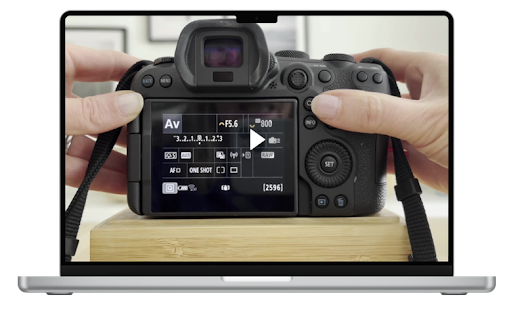
Watch the videos, get the downloads, do the homework - everything laid out for you step by step, in the order you need to learn it.
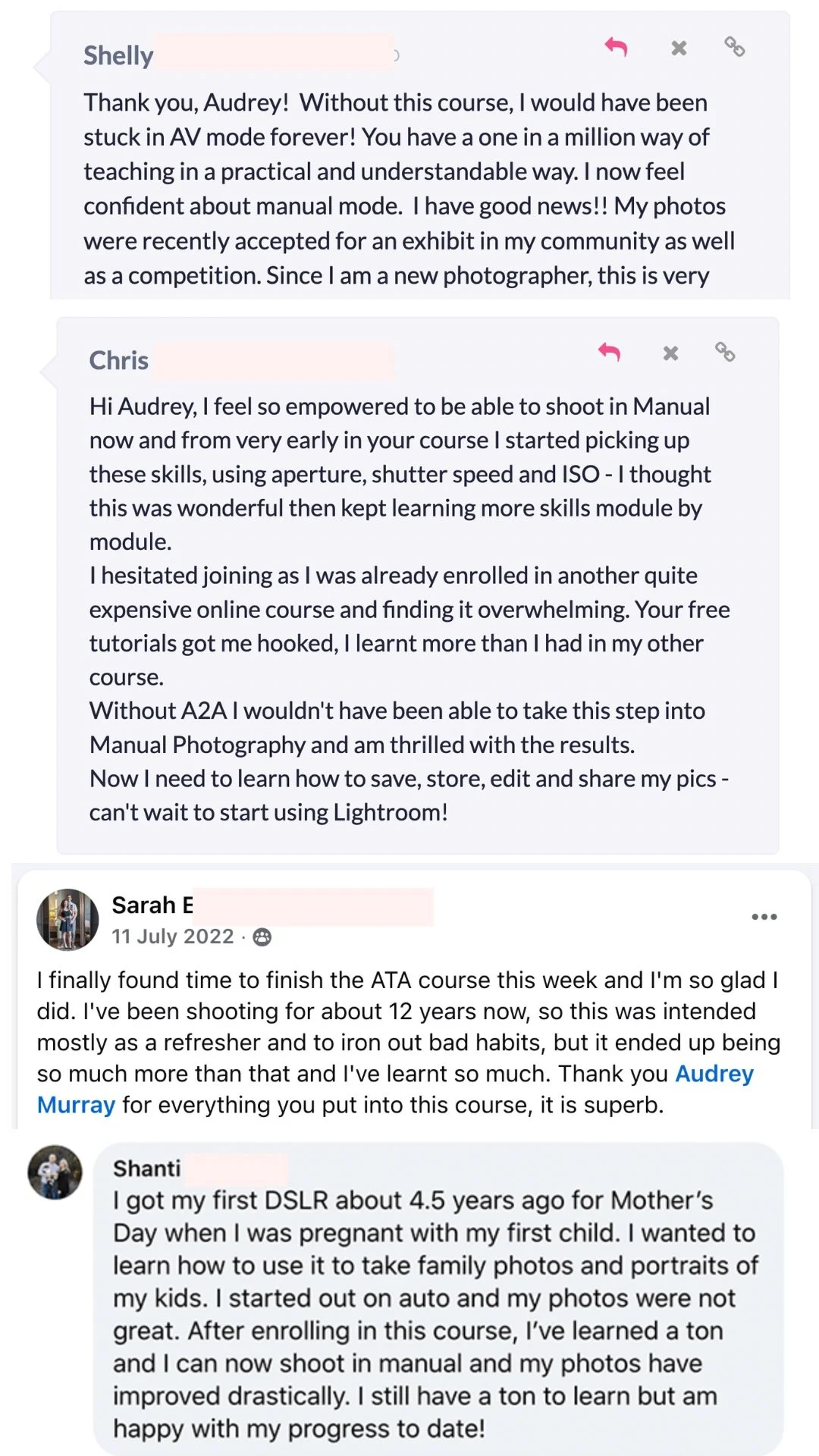
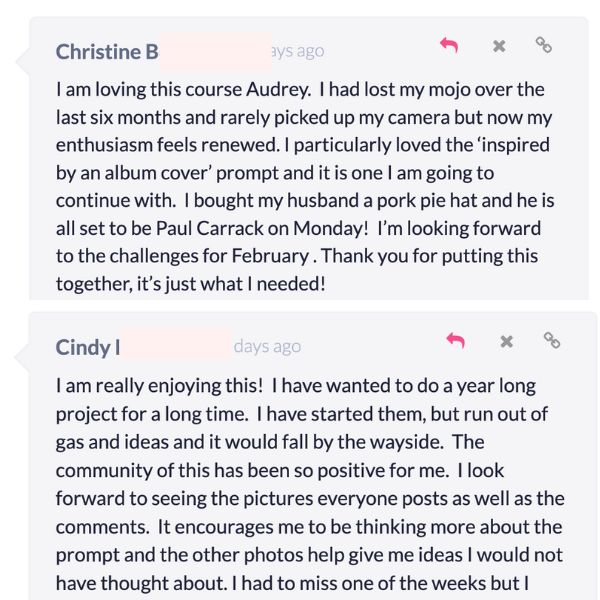
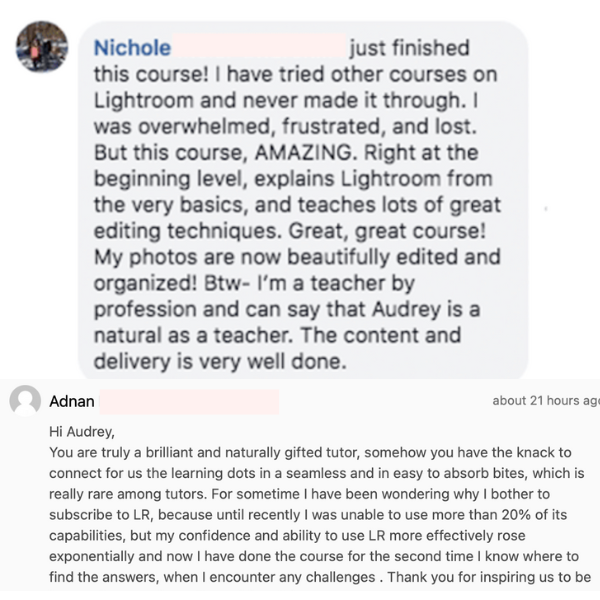
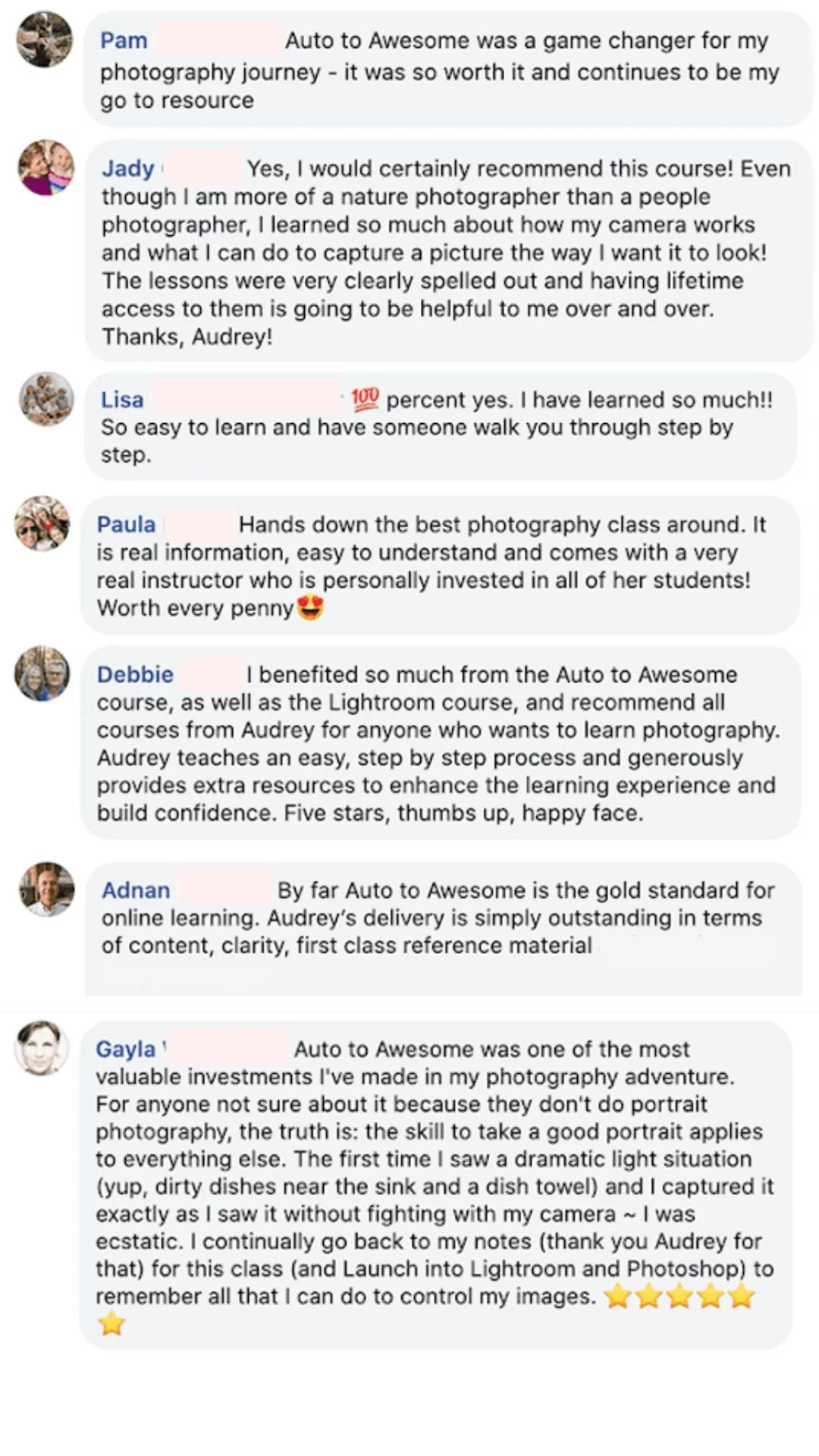
LOVED BY 8,000+ STUDENTS
Here’s just a small sample of the daily love notes we recieve!