

Welcome to the blog!
Scroll down for the latest and greatest, filter by category, check out the most popular tutorials, or search for what you want to learn below!
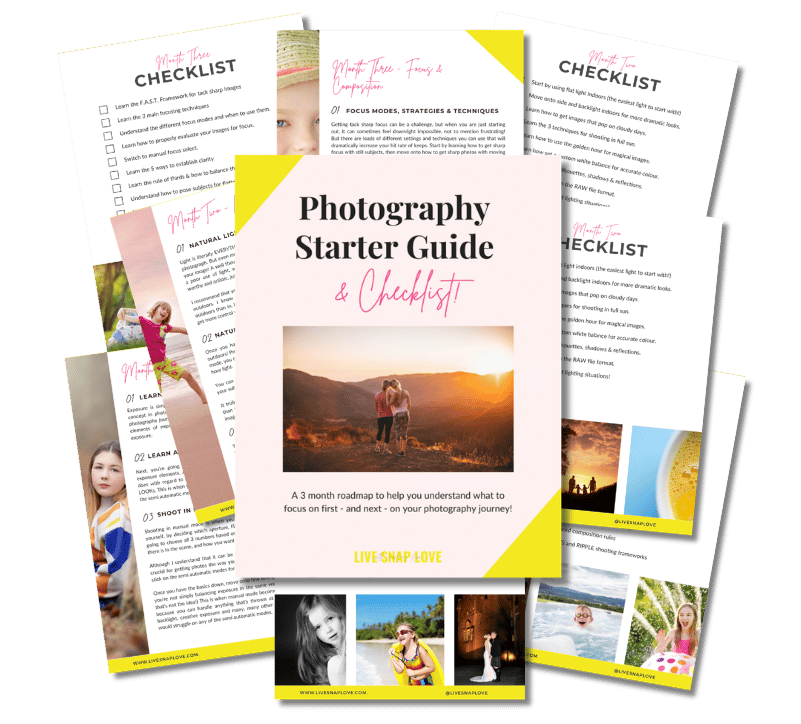
Want to learn photography but have no clue where to begin and what to learn next??!
Steal my Photography Learning Blueprint and get the clarity, checklist and step by step game plan to help you get photos you love - quickly!

How to Fix an Overexposed Sky in Lightroom (in 3 simple steps)
We’ve all done it - taken a picture where we’ve overexposed the sky, either by accident or to try to ensure our subject is correctly exposed. But, fret not, as you can quickly and easily fix an overexposed sky in Lightroom - and in just three (or even two!) simple steps….
And that’s exactly what I’m going to show you how to do today!

Quick Guide to Photoshop: 3 Must-Use Tools
Photoshop is seriously filled to the brim with wonderful tools and shortcuts that can make editing our images a breeze, allow us to get more creative with our images, add a little extra magic and sparkle, and make huge fixes that are simply not possible with Lightroom.
But unfortunately, because it can do so much, it’s not exactly easy to learn 😔
That said, there are tools and features that you’ll find yourself using time and time again in Photoshop, so after a while, although it’s still a beast of a program, using it does become so much easier when you have some basics down.
So in this week’s blog post, I’m going to share just 3 must-use tools in Photoshop, especially selected for those that are new to the program, because they are SO simple to use, and because you’ll use them all.the.time.

5 Times You'll Need Photoshop over Lightroom for Editing Your Photos
It’s no secret - I freaking love Lightroom. I love how much you can do in the program, how fast it is for editing your photos, and the whole end to end organisation thing just makes me want to kiss my computer screen.
But that doesn’t mean it can do absolutely everything.
There’s a damn good reason why Adobe bundled both Lightroom Classic CC and Photoshop CC together in their Photography Plan - because when you have access to both programs, you can do absolutely anything you’re little editing heart desires!

How to Use Lightroom: 3 Must Use Tools for Beginners
Lightroom is definitely the must-use photo editing software for both professional and hobbyist photographers, simply because it has absolutely everything you need to mange, edit and share your images in one place (and in waaaay less time than other software) .
Because it can do SO much, you can easily find yourself a little overwhelmed at first. But, as with everything else in photography, you can start by learning a few simple tools. And that’s what I what to cover here today!

7 Deadly Lightroom Photo Editing Sins (and how to avoid them)
When I first started learning how to edit my photos, I followed a few different tutorials online, patched them together, and studiously applied them to each and every photo.
The result?
Eye blindingly bright, overly contrasty and saturated images, that looked like they had been edited by 10 different people.
(My eyes hurt just THINKING about those early edits 😎😵)
But you don’t have to make those mistakes too, because you’ve got me, and I’m not gonna let that happen!
So without further ado, here’s 7 deadly photo editing sins - and most importantly, how you can avoid them.
How to Create Your Own Easy Lightroom Workflow Routine (and stick to it)
Have you ever found yourself wondering exactly WHERE an image that you’ve taken is?
Why you seem to have about 5 different copies of the same file kicking about?
Or you’ve been sat looking at your image for the last ten minutes wondering exactly what adjustments you should be making? Whether you’ve done enough?
If that’s you, then a) you are not alone and b) the chances are you’re missing something incredibly crucial - a Lightroom workflow.





Check Out These Reader Favourites



It's been quite a few years now since I made the switch from Aperture Priority Mode to shooting in Manual Mode, and it was one of the BEST things I ever did to improve my photography skills.
It was like a whole new world opened up to me, and I started TRULY understanding exposure, and in turn, getting the images that I wanted.
Of course, there was a lot to learn, and there are some things I wish I had known before I started!
So, here are 10 things about shooting in Manual Mode that you might just wish you knew…