

Welcome to the blog!
Scroll down for the latest and greatest, filter by category, check out the most popular tutorials, or search for what you want to learn below!
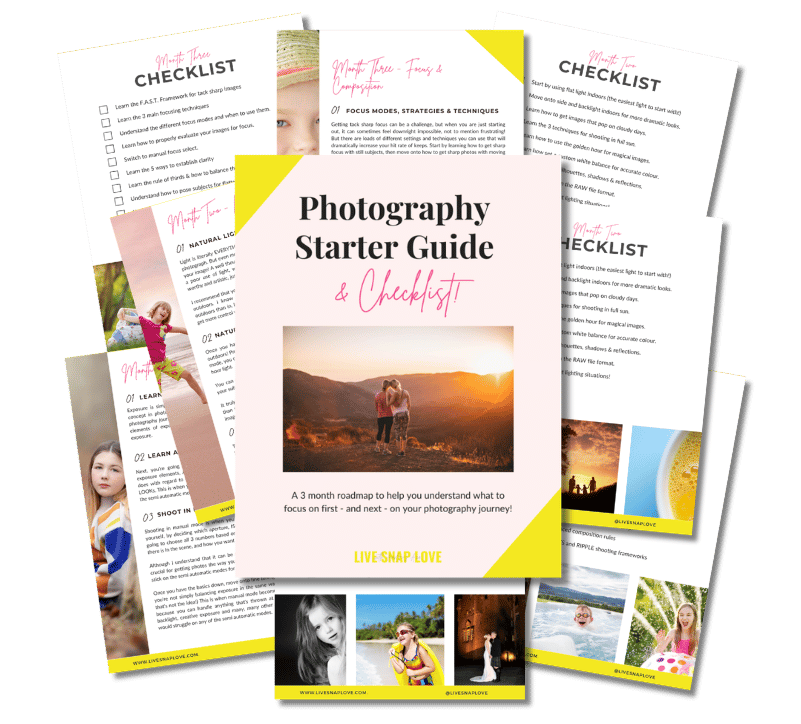
Want to learn photography but have no clue where to begin and what to learn next??!
Steal my Photography Learning Blueprint and get the clarity, checklist and step by step game plan to help you get photos you love - quickly!

Behind the Scenes: A Breakdown of One Image
Today I thought I'd so something a bit different and give you a first-hand, "behind the scenes" look at just one image, from start to finish. I will show you how the image looked straight out of camera, the lens used, which settings I chose and why, and even how I edited it! Hopefully by looking at some "real life" examples of images you'll be able to see some of the things that go into making an image - and also the mistakes too! This is not a perfect image - there are many things I could have / should have done differently, and I'll talk about them too.

Which Color Space should I use?
How much do you all know about Colour Space? It’s something we tend not to pay too much attention to until we start to notice that our prints aren’t coming back from the print shop the way we thought they would, or we post our images on Facebook and they look all washed out and with weird colors!
Getting your colour space right is one of the secrets to having your images look beautiful, so it pays to take a few minutes to get this right - and that is exactly what we are going to look at today!

How To Use The Curves Tool in Photoshop
The Curves Tool must be one of the most versatile tools in Photoshop, and you can do so much with it! It's also looks seriously scary with all those grids, lines, and points - so much so that many people shy away from using it. That is all going to change today my friend! You and I are going for a little walk through the curves tool, and finding out some of the things we can do with it.

How to Rate, Delete and Keyword Images in Lightroom
Today, we are talking specifically about how to rate, delete and keyword your images in Lightroom. You'll need to do this to keep on top of your ever expanding library of images, so we are going to dig deep into how you can do this!

How to Get Organized With Collections In Lightroom
If you are following along with our Learn Lightroom series, you'll now have some images files imported into Lightroom, which means we can now get stuck into creating a great organization system for your images!
One of the best features of Lightroom, in my humble opinion, is the ability to create Collections with your images, so that's what we going to look at today.

How to Import Your Images Into Lightroom
Before you can start to use Lightroom, you need to import some images into the application so that you can see, rate and edit them! So, this will be the very first step in your editing workflow.
For this tutorial, I'm going to show you how you can import images into Lightroom directly from your memory card. This way, you are adding the photos to your hard drive and letting Lightroom know about them in one easy step. Here's how to do it!





Check Out These Reader Favourites



It's been quite a few years now since I made the switch from Aperture Priority Mode to shooting in Manual Mode, and it was one of the BEST things I ever did to improve my photography skills.
It was like a whole new world opened up to me, and I started TRULY understanding exposure, and in turn, getting the images that I wanted.
Of course, there was a lot to learn, and there are some things I wish I had known before I started!
So, here are 10 things about shooting in Manual Mode that you might just wish you knew…