

Welcome to the blog!
Scroll down for the latest and greatest, filter by category, check out the most popular tutorials, or search for what you want to learn below!
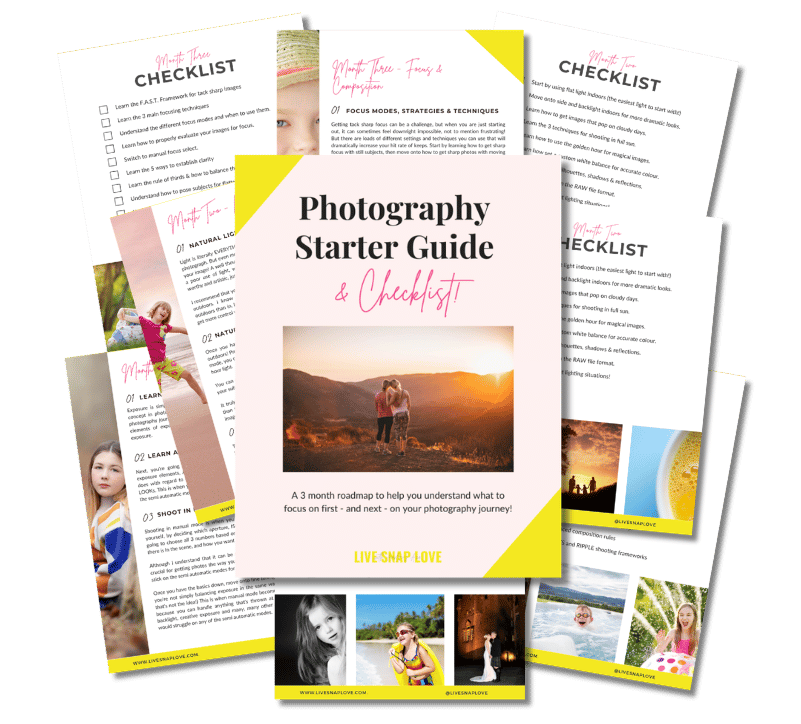
Want to learn photography but have no clue where to begin and what to learn next??!
Steal my Photography Learning Blueprint and get the clarity, checklist and step by step game plan to help you get photos you love - quickly!

Understanding the Lightroom Catalog
Although Lightroom also makes a damn good job of editing your photos, at it’s heart it’s a file management system, allowing you to organise and manage your pictures with ease. The main "heart" of Lightroom is the catalog, so a good understanding how that works is essential, and it will help enormously when it comes to managing your files!

What is Lightroom, and do I need it?
Have you heard of the photo editing application Lightroom and wondered what it is, and how it compares to more well known Photoshop? Then this is the blog post for you!
I'm going to give you an overview of what Lightroom is and how it's different from the other well-known offering from Adobe, Photoshop. I see all the time that people try to see if one is better than the other, or which one they get, but the truth is, they both excel at totally different things!
Ready? Let's go!

Creating a Black and White Conversion In Lightroom
For many images, I find myself drawn to the simplicity of black and white – particularly those with good tonal ranges or dramatic light. (you can read more about which images are great candidates for black and white conversions here) Although I often take my images into Photoshop to create black and whites, you can do an awesome conversion in Lightroom too! Here's a guide to how I create my black and white images when using Lightroom only.

How to Back Up Your Digital Photos
It's been a while since I have had a go at you all about backing up your photos, but since we have only just started a new year, I thought it would be a great time to remind you again just how important it is to create back ups of your digital files! Remember, hard drives will ALWAYS fail at some point, it is simply a matter of when, so make 2016 the year you do something about it. Please, please, please don't rely on having one copy sitting on your computer, as when that fails (and that's a when, not if) you have lost EVERY SINGLE IMAGE you have taken. Imagine losing all that memories - devastating.
If you are a beginner to world of photography, or just to the world of backing up, then I know it must seem incredibly confusing to read and hear about all the different "strategies" you can have for backing up - particularly if you are a hobbyist. So I wanted to write a post that will hopefully simplify the whole concept and allow you to create a foolproof strategy that suits YOU.

An Example Lightroom Workflow (with free checklist!)
Lightroom is an absolutely amazing program for image editing and image organisation. It has saved me countless hours in post-processing, due to the fact that I can do so much in one little program! (If you don't yet know the full beauty of Lightroom, check out this post with 8 Reasons to Love Lightroom Even As a Hobbyist)
One thing that does also help save you time is making sure that you have a solid workflow in place. A workflow is simply a series of steps that you do each and every time to an image, and in a specific order. Of course you will not do exactly the same steps all the time, but a workflow simply allows you to have a framework so you don't feel like you are starting right from scratch the whole time.

How to Add a Vignette In Lightroom
A vignette is an affect that many photographers apply to some images to make their subject "pop" - it works by darkening just the edges of the photo, so that the centre of the image is correctly exposed, and the brightness gradually falls off towards the edges of the photograph. You might want to apply this affect for two reasons: firstly, because this affect actually mimics the way we naturally view scenes with the naked eye, so it feels quite natural, and secondly because a vignette acts a little bit like a very subtle frame, drawing the viewers eye to the subject. (You might also naturally get some vignetting with certain lenses too - so it's not just an editing affect!) Vignettes don't work with every type of image, only some, but are a useful tool in you editing arsenal nonetheless!





Check Out These Reader Favourites



It's been quite a few years now since I made the switch from Aperture Priority Mode to shooting in Manual Mode, and it was one of the BEST things I ever did to improve my photography skills.
It was like a whole new world opened up to me, and I started TRULY understanding exposure, and in turn, getting the images that I wanted.
Of course, there was a lot to learn, and there are some things I wish I had known before I started!
So, here are 10 things about shooting in Manual Mode that you might just wish you knew…