

Welcome to the blog!
Scroll down for the latest and greatest, filter by category, check out the most popular tutorials, or search for what you want to learn below!
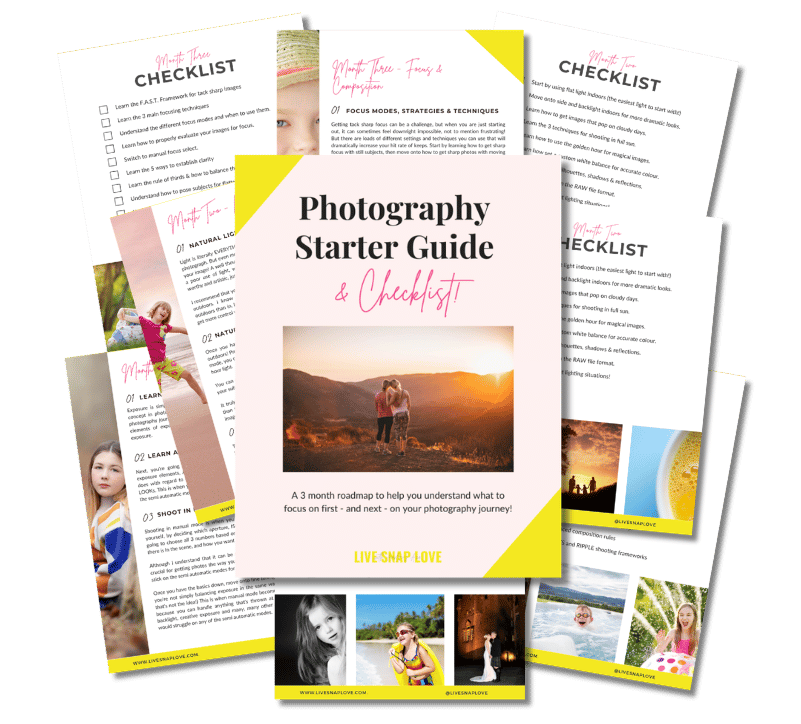
Want to learn photography but have no clue where to begin and what to learn next??!
Steal my Photography Learning Blueprint and get the clarity, checklist and step by step game plan to help you get photos you love - quickly!

5 Ways to Save Yourself Countless Hours Each Week with Lightroom
Let’s be honest, the one thing that most of us have in common is that we struggle with not having enough hours in the day!
That’s why trying to find an extra hour or two to edit and manage your photos when you have about 874 OTHER things that need to be done that day can be trying to say the least.
I know this from experience: after I was a few years into photography I had gotten myself in a huge mess when it came to my photos, and I was spending hours each week trying to get them into some sort of order, not to mention carrying out long winded editing on all my photos.
One thing that made a huge difference to how much I could get through in less time was Lightroom, so today, I want to show you 5 ways that Lightroom has saved me countless hours each week…

My 5 Favourite Lightroom Tricks & Tips
If you’ve been here a while, you’ll know that I am a HUGE Lightroom fan. Not only it is a fantastic photo editor, but it saves me so much time each week!
I want YOU to love Lightroom too, so that’s why in this week’s post, I’m going to go over 5 Lightroom tricks and tools that are worth their virtual weight in gold, so that you can experience them too.

How to Export Your Photos From Lightroom For Facebook
So you’ve beautifully edited your images in Lightroom, and you’re ready to share your fabulous images with the world…….
But when you upload your image to Facebook, it looks either too soft, too crunchy, or simply a pixelated mess, and nothing like the gorgeous image you saw in Lightroom!
The problem’s not you (or at least not only you) as Facebook and Instagram will compress our images when we upload them if we make them too big, simply to reduce the file size, and save on their bandwidth space.
We want to do all we can to avoid that happening, so in this post I’m going to go over step by step how you can export your images from Lightroom to make sure your images look fab on all social media platforms!

How to Mirror the Background in Photoshop
Learning how to mirror the background in Photoshop is a great way to quickly and easily remove large distractions from an image, and otherwise tidy up the frame and make a neater image. And the best news? It's super quick and easy to do! It's definitely waaay easier than cloning or patching out distractions, so it's another great trick to have in your editing back pocket.

5 Tips for A Faster Editing Workflow
Time is without a doubt our most precious resource - because no matter how much we might want or need it, we can't fit more than 24 hours into our day!
And I for one don't have time to spend a couple of those precious hours sitting at my computer desk trying to manage, edit, and otherwise keep on top on my images.
So if you feel like you are drowning trying to get everything done, have a quick read of these 5 simple tips that will have you spending less time at your computer desk editing AND creating better images as well.
Hola!

How to Make A Watermark In Photoshop in 5 Simple Steps
For any images you want to put online, you are probably going to want to add a watermark to your images. The good news is you can easily create a watermark in Photoshop, and just in a matter of minutes, and that’s what I’m going to show you today!
A watermark helps protect your images, to make it difficult for anyone to use them without your permission (and also so that everyone knows who took that gorgeous photograph!) so it’s worth taking the time to do it if you post your images publicly.
(And If you are in business, a watermark can also be a great way to help market your business for free!)
Read on for your step by step guide on how to create a watermark in Photoshop...





Check Out These Reader Favourites



It's been quite a few years now since I made the switch from Aperture Priority Mode to shooting in Manual Mode, and it was one of the BEST things I ever did to improve my photography skills.
It was like a whole new world opened up to me, and I started TRULY understanding exposure, and in turn, getting the images that I wanted.
Of course, there was a lot to learn, and there are some things I wish I had known before I started!
So, here are 10 things about shooting in Manual Mode that you might just wish you knew…