
Welcome to the blog!
Scroll down for the latest and greatest, filter by category, check out the most popular tutorials, or search for what you want to learn below!
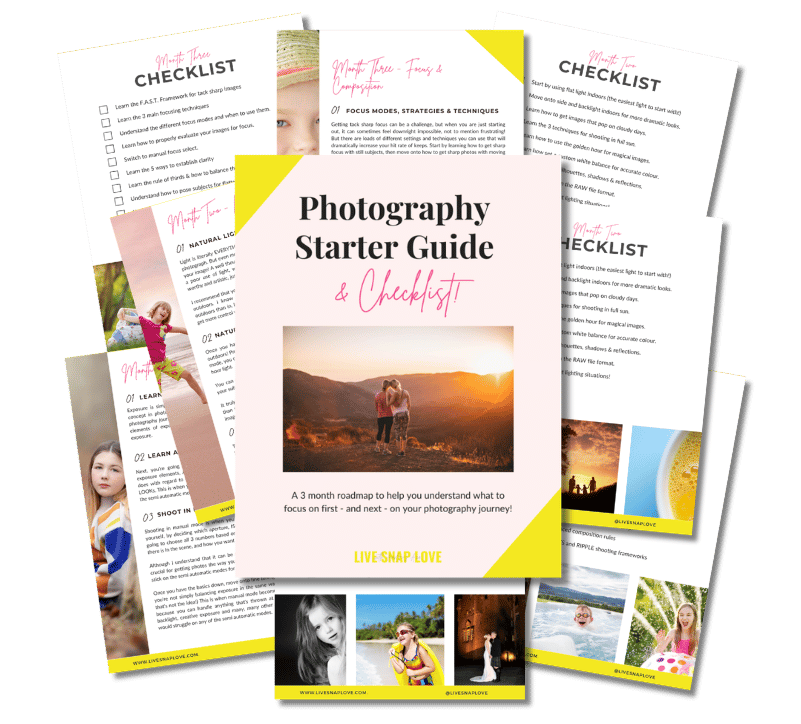
Want to learn photography but have no clue where to begin and what to learn next??!
Steal my Photography Learning Blueprint and get the clarity, checklist and step by step game plan to help you get photos you love - quickly!

How to Add a Matte Affect in Photoshop or Lightroom
Adding a matte effect over the top of your image can be lovely, as it's a great way to soften an image and make it look more unique. Not everyone is fan, but I personally love it sometimes, and I know many people consider the matte look a signature part of their editing style.
If you’ve wondered how to create a matte effect in Lightroom, or Photoshop, today I’ll show you how easy it is to do!

Tips for Organizing Your Family Photos
As you continue to document your everyday life with your children, you will no doubt soon amass hundreds of photos! Dealing with this amount of digital files can be a little bit overwhelming if you don't have a suitable filing system in place. Here's some tips for organizing your family photos:

Guide to Fixing White Balance in Editing
In both Photoshop / Elements and Lightroom, it is very easy to fix your white balance in post processing - particularly when you have a neutral tone in your image. Checking and fixing your white balance should be the first thing you do in editing to an image, so here’s how to do it.
Please note that the screen shots are from ACR - the free plug in for Photoshop and Photoshop Elements (If you don’t yet have this plug-in for any reason, go get it now- makes life much easier) but it's the same process when using Lightroom.

How to Add Images to a Photoshop Template
As I've been sharing a few photoshop templates here on the blog, I thought I'd take a moment to show you how to add images to a collage or storyboard template. It's actually very easy to do but I know that some of you may be totally unfamiliar with Photoshop or Photoshop Elements and it can take a while to learn where everything is, so this should allow you to get started. You can use this same method regardless of template type (such as cards or album pages etc) as they all use pretty much the same steps.
How to quickly process lots of images!
Right now, I need to be able to edit multiple images quickly and efficiently. The reason? 'm working my way through my 2014 photo book, adding in the images from each month. As usual, the photos from the beginning of the year are in perfect order, the it's gradually gets worse month on month - by the time you reach October, (and from there on in) only a few images here and there have been edited - leaving me with a ton of images that I need to get through and edit quickly if I am going to make my - admittedly self imposed - deadline of having the book finished by the end of January. Luckily for me, there are tools in Lightroom / ACR and Photoshop come in handy for this very purpose, so here's my strategy for dealing with situations when you want to quickly edit multiple images.

RAW vs JPEG - Which Is Right For You?
When shooting with a DSLR, you have two choices of file formats in which to take your image - RAW or JPEG. You may have already heard these two terms bandied about, but not be quite sure which is the best one for you to use so I’m going to briefly go over what the differences are between the two, so you can decide on the best format for you.




Check Out These Reader Favourites


It's been quite a few years now since I made the switch from Aperture Priority Mode to shooting in Manual Mode, and it was one of the BEST things I ever did to improve my photography skills.
It was like a whole new world opened up to me, and I started TRULY understanding exposure, and in turn, getting the images that I wanted.
Of course, there was a lot to learn, and there are some things I wish I had known before I started!
So, here are 10 things about shooting in Manual Mode that you might just wish you knew…