
Welcome to the blog!
Scroll down for the latest and greatest, filter by category, check out the most popular tutorials, or search for what you want to learn below!
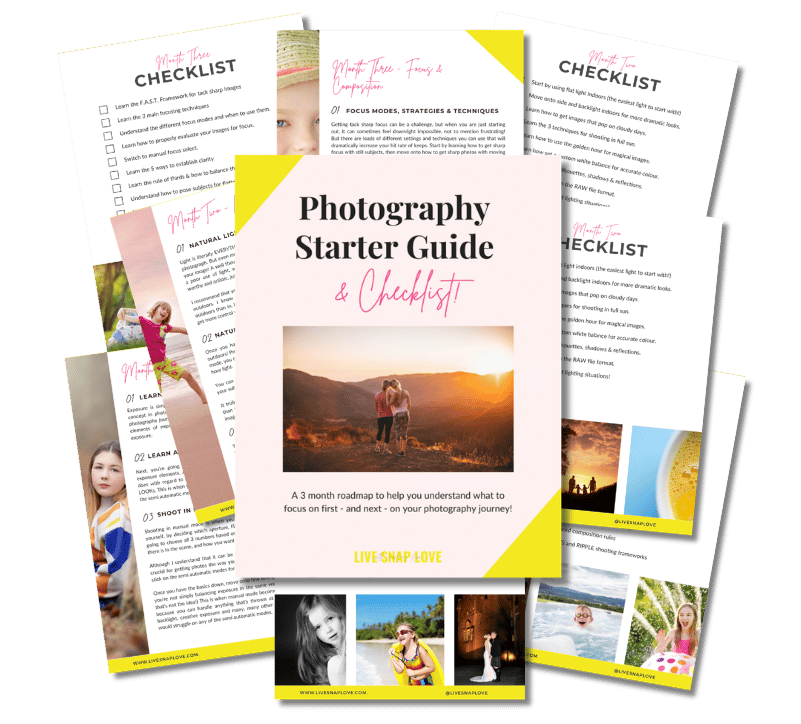
Want to learn photography but have no clue where to begin and what to learn next??!
Steal my Photography Learning Blueprint and get the clarity, checklist and step by step game plan to help you get photos you love - quickly!

3 Must Use Lightroom Classic Tools for "People" Photographers
I’m sharing the sneaky-smart ways I use a few underrated tools (white balance dropper, tone curve, and masking) in Lightroom Classic to make people's portraits pop — without spending hours on them.

Big Changes to Adobe’s Photography Plan! Here’s What You Need to Know
Adobe has made changes to their subscriptions plans. Today, we’ll break down what’s new, how it impacts existing users, and what options are best for those just starting with Adobe’s photography tools.

Speed Up Your Editing With Presets
In this week’s episode, we are diving into Lightroom Presets - what they are, what they do, and how they can help you speed up your editing process, so you can get more done in less time!

4 Reasons You Should Be Editing Your Photos (and how to do it)
If there is one thing that comes up again and again when we talk about photography, it's EDITING - the steps you take AFTER you have pressed the shutter and uploaded your images. It's a whole other world of things to learn and master and as such it can be quite overwhelming for new photographers.
Because it's yet another thing you need to add to your "to learn" list, it can be tempting not to bother doing it, or slap a action / preset on and call it a day. However, editing your images is an important part of the photography process and one that I believe you should at least start to learn as soon as possible.
In this post I'm going to share exactly WHY you should edit your images, what programs you can use, and the order in which you should learn everything in.
Ooooh, that sounds like a lot to get through! Best get started then :)

How to Change The Colour of Anything in Lightroom Classic!
As photographers, there are times when we need to change the colour of something, for example, a t-shirt that a subject was wearing, their shoes, lipstick colour, or even take down the redness of the ears in backlit image, or change the colour of a product.
Up until now, this was a job best handled by Photoshop, simply because it had more precise colour controls.
But then good ol’ Lightroom went and added a hue slider to the local adjustment tools, and (fanfare please) we can do these colour changes within Lightroom!
Watch the video below to see where to find this piece of editing magic, and how to use it. I’ve also used a few different images so you can see the different occasions you might want to use it too!

Why I Personally Use Lightroom Classic CC instead of Lightroom CC in 2020
A few weeks ago I wrote a post on the differences between Lightroom Classic CC and Lightroom CC, going over the BIG difference between the two programs, how the features differ, along with questions to ask yourself when deciding which one was right with you (not read it? Start there and then come back here so this post makes sense!)
This week, I wanted to jump in and tell you the reasons why I personally use and in most cases, recommend, Lightroom Classic CC over Lightroom CC. I know for myself that I love hearing the “why” behind other people’s decisions, as it helps me make my own, so hopefully this is the same for you!
You can either watch a Facebook live I did on this very subject (it’s at the end of the post!) or you can simply read the blog post - whatever works for you :)
So without further ado, let’s go over why I use and love Lightroom Classic CC…




Check Out These Reader Favourites


It's been quite a few years now since I made the switch from Aperture Priority Mode to shooting in Manual Mode, and it was one of the BEST things I ever did to improve my photography skills.
It was like a whole new world opened up to me, and I started TRULY understanding exposure, and in turn, getting the images that I wanted.
Of course, there was a lot to learn, and there are some things I wish I had known before I started!
So, here are 10 things about shooting in Manual Mode that you might just wish you knew…