HOW TO EDIT LIKE A PRO IN LIGHTROOM CLASSIC!
Watch the training below before it expires! ⏰
Take your images from "meh" to "WOW!"
Discover the step by step editing framework that will help you confidently create polished, creative, pro-level images (and wave goodbye to random slider pulling and endless tinkering 😉)
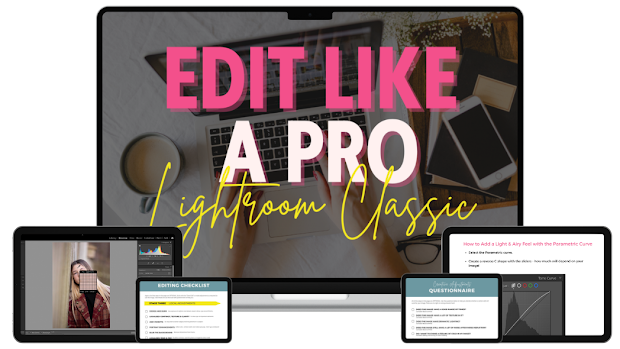
Join over 1,200 photographers and get instant access to our unique 3-phase Editing Framework for Lightroom Classic complete with video trainings, smart editing questionnaires, step by step editing checklists, creative guides and more!
You're probably here because...
You realise that your images are still missing something.
And the fact that you're here means you probably already know what they're missing....the RIGHT editing!
Successful editing is the extra magic ingredient that lifts your images from being good, decent, run of the mill photographs, and takes them onto next level, awe inspiring images.
It's the final step in creating beautiful photos that look professional and polished, and if you skip that step, your images just aren't going to look half as good as they could.
Which is why it's time to get to grips with editing your photos in Lightroom Classic, so you can edit with confidence and consistency, and take your photos to the NEXT level!

Does this sound familiar?!
IF SO, “EDIT LIKE A PRO IN LIGHTROOM CLASSIC” IS FOR YOU!

Frustrated because your images look dull and flat, and nothing like the polished image you WANT to create.
Editing without any clear strategy, randomly pulling on sliders and guessing and what edits you should do.
Lacking any style or consistency with your edits, so every photo looks different from the one before!
Trying to Frankenstein together random, out of date tutorials into a cohesive, consistent editing process.
Constantly tinkering with photos because you've no idea what editing steps to take......and when you should stop.
Taking so long to edit your photos that you've begun to dread the editing process. You wish you could speed it up!
Yup, I've been there my friend!
Once upon a time, I didn't have a clue how to edit my photos either…
I was the one aimlessly pulling on sliders, trying to mash together random tips and tricks I'd found online, and haphazardly making edits without any clear strategy or goal (or worse, relying on presets to try to edit my images!)
But I understood - like you do too - that editing is such an important part of photography, so if wanted photos that went beyond "OK" it was a skill I had to master!
It took me a loooooong time, but eventually I cracked the editing code, and over the years I've created my own unique editing framework. This editing system has allowed me to consistently get the polished, professional level images I want, no matter what type of image I take!
That's why I created this course, so you could steal my editing process and master editing in days, rather than waste years like I did.

So why choose Edit LIke A Pro In Lightroom Classic?
Editing is such an important part of the photography process - it's adding the "seasoning" to your image, taking it from being somewhat bland and boring, and turning into something much more exciting and polished!
But here's the thing: being able to edit your photos effectively is not just about learning the editing software (although you need to know that too!) you also need to know how to look critically at your photo and see what editing steps it needs.
If you only ever learn how the tools work, you won't get the results you're looking for!
In Edit Like A Pro With Lightroom Classic, we go beyond just teaching you how to use the tools in Lightroom Classic. Instead, you’ll get:
👉 We give you a complete, start to finish editing workflow that shows you how everything fits together — so you know exactly what to do (and in what order!) every time you edit. so that you have a complete end to end workflow to follow that takes away all of the guesswork or what to do next.
👉My unique three phase "stacking" framework for editing your photos.
👉 We'll help train your eye to look at your photo and see what it really needs, so you can make the RIGHT editing choices for your photos (rather than just how a tool works)
👉 You'll learn powerful editing techniques that make your photos look more polished and professional in minutes.
👉 Although our original and beloved framework was created waaay back in 2016 (back when the course was called Launch into Lightroom) this course is regularly updated to ensure it covers all the new editing tools in Lightroom Classic.
In short, this isn’t your usual “here’s what this tool does” half-baked course last updated in 2021.
It’s the how, the why, and the what — in short, a complete roadmap to confident, consistent, creative pro-level edits (and in less time too!)
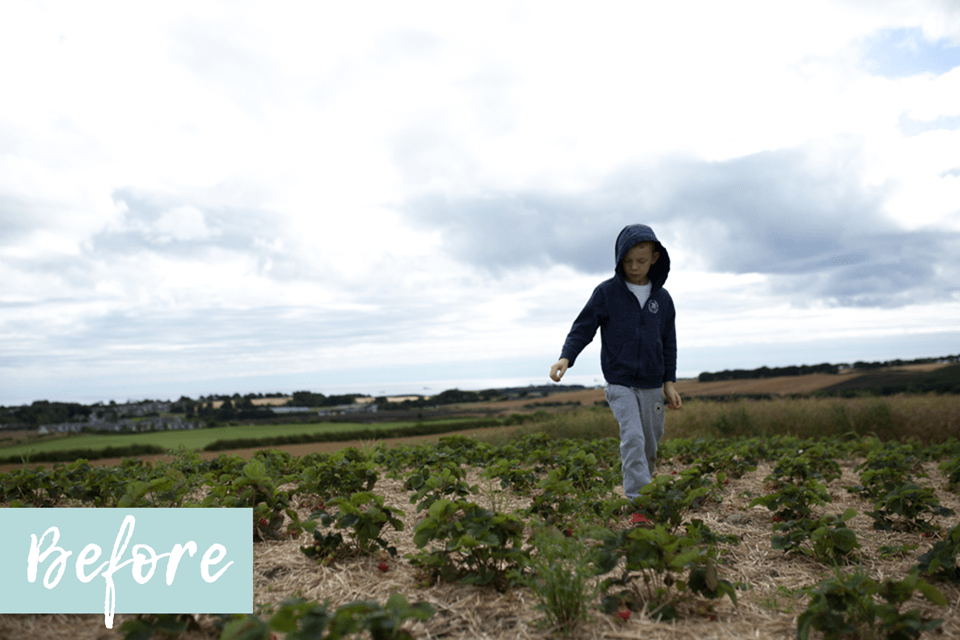
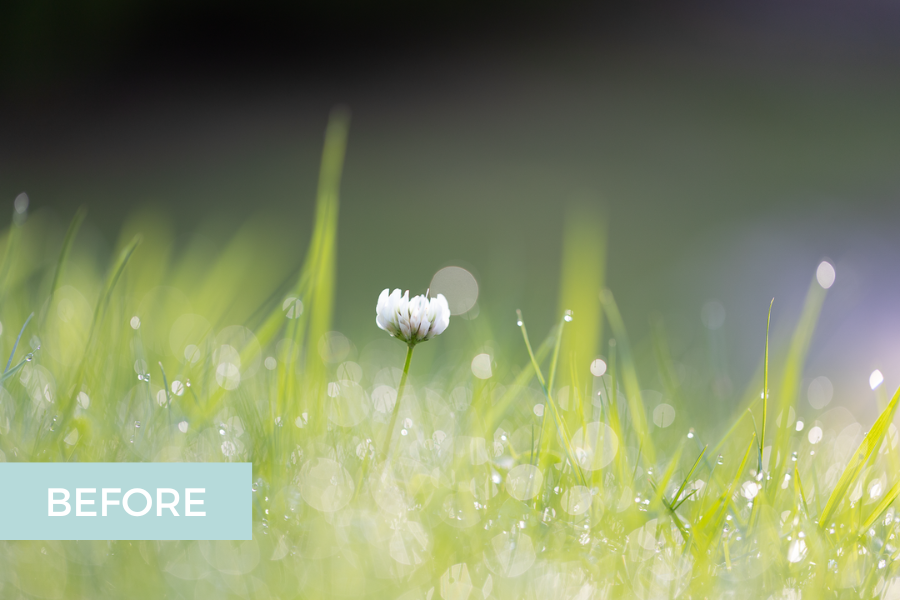
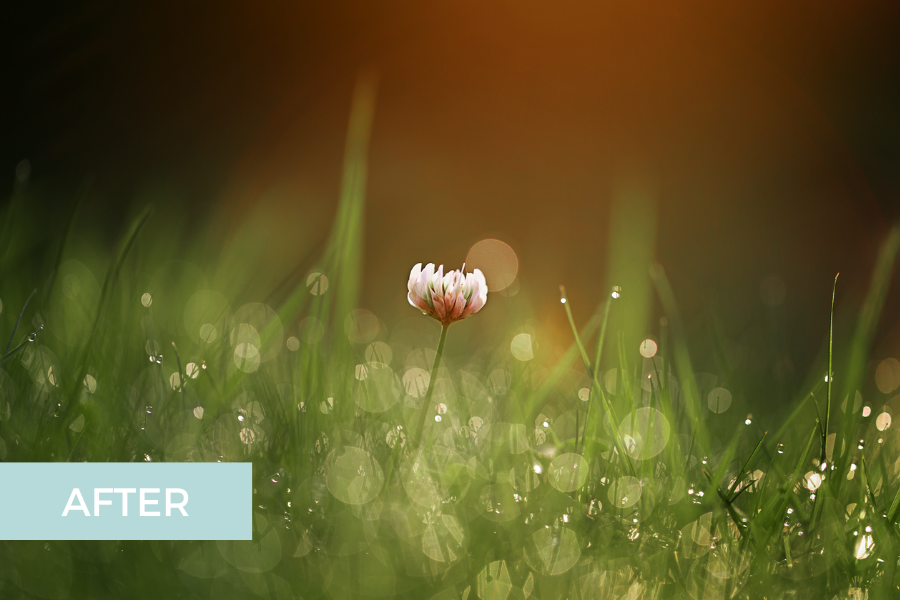
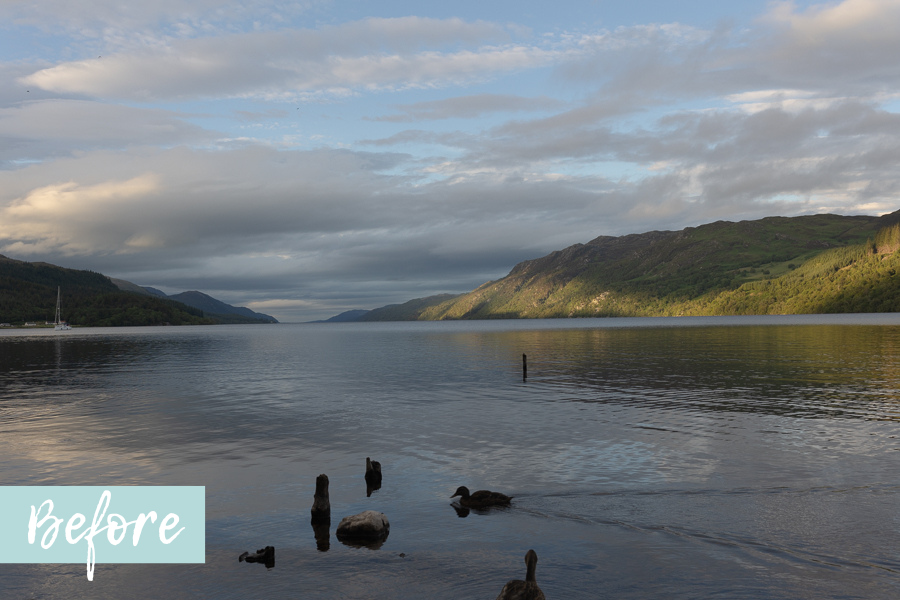
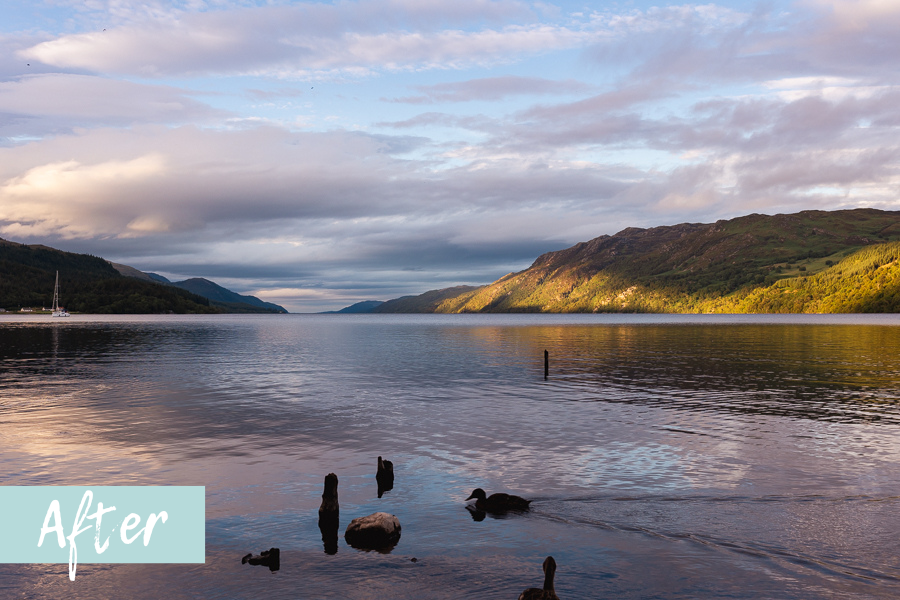
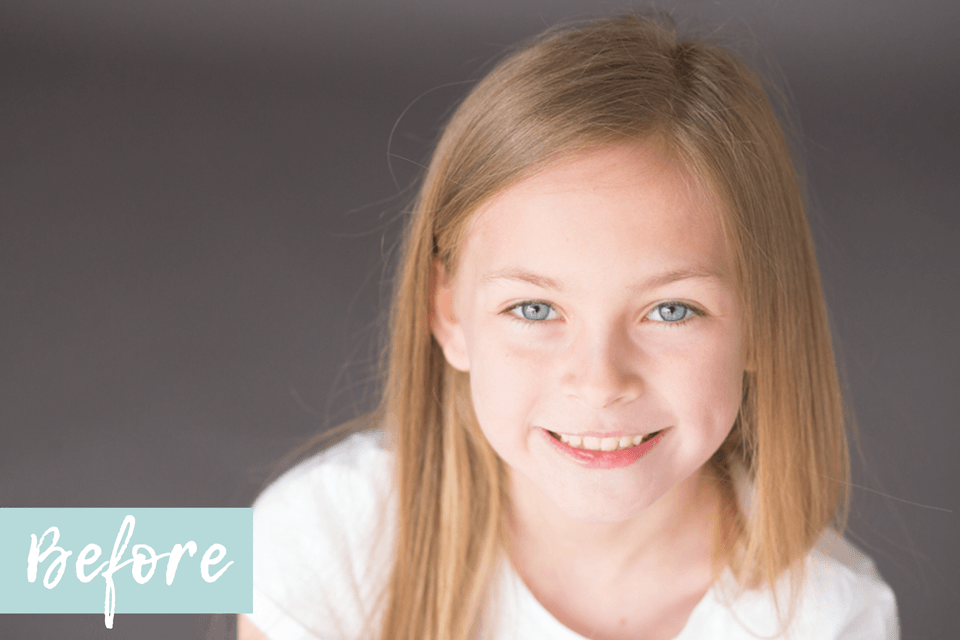
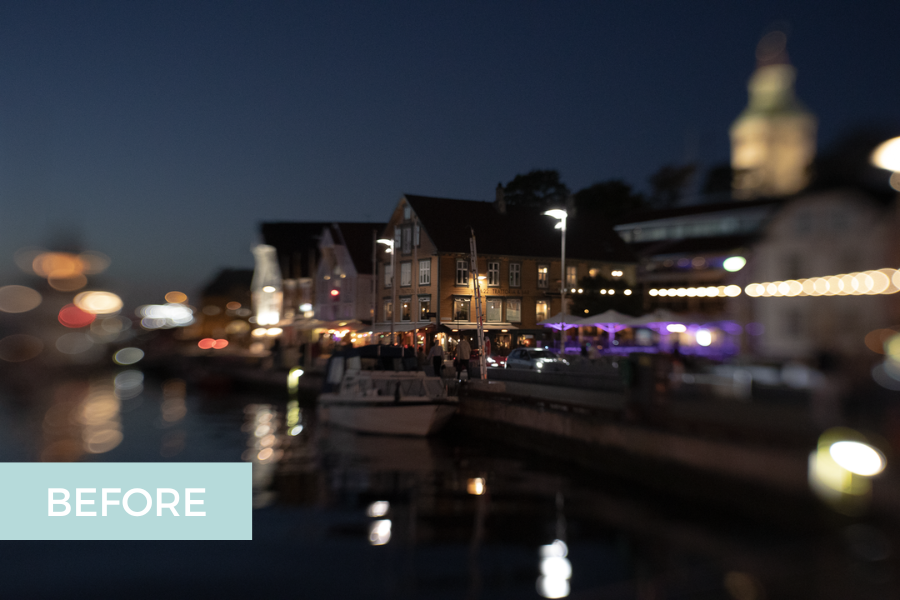
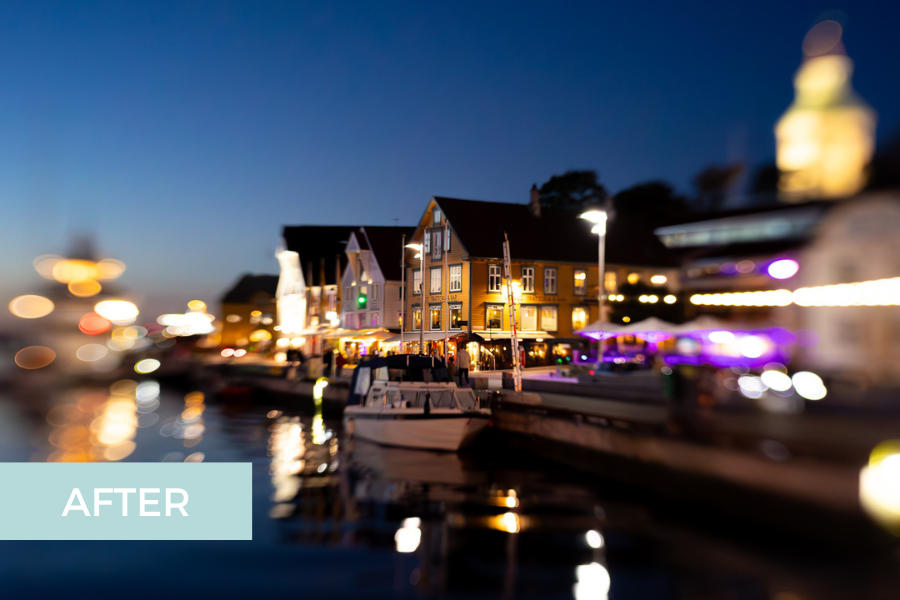
Which means pretty soon, you'll be able to make transformations like these...





You don’t need more presets or one-off tutorials—you need an editing framework!
Edit Like a Pro in Lightroom Classic gives you everything you need to edit with confidence, get the exact look you’re going for, and turn those “almost there” shots into total wow shots.
Join us today and you could be editing like a total pro within the week!
Edit Like A Pro In Lightroom Classic is for you if want to….
❌ Put an end to editing without any clear strategy, randomly pulling on sliders and guessing at what edits you should do.
❌ Stop endlessly tweaking because you've no idea what editing steps to take to get the images you see in your head.
❌ Quit frankensteining together random, out of date tutorials and hope that somehow they'll come together into a cohesive, consistent editing process.
❌ Stop relying on presets that make your images look overblown and overdone.
✅ Confidently transform your photos because your KNOW what editing choices will transform your photos from good to GREAT,
✅ Have images look like they belong together because you've developed your own unique style and can edit with consistency.
✅ Get better images in camera, because you're able to pre-visualise the outcome after your editing workflow.
✅ Be excited to edit your photos, because you know exactly what you're going for AND how to do it!
✅ Consistently getting the look you’re after, from warm and lively to light and airy or dark and moody,.
✅ Have a proven step-by-step framework to follow that takes the “what do I even do next?” panic right out of editing!
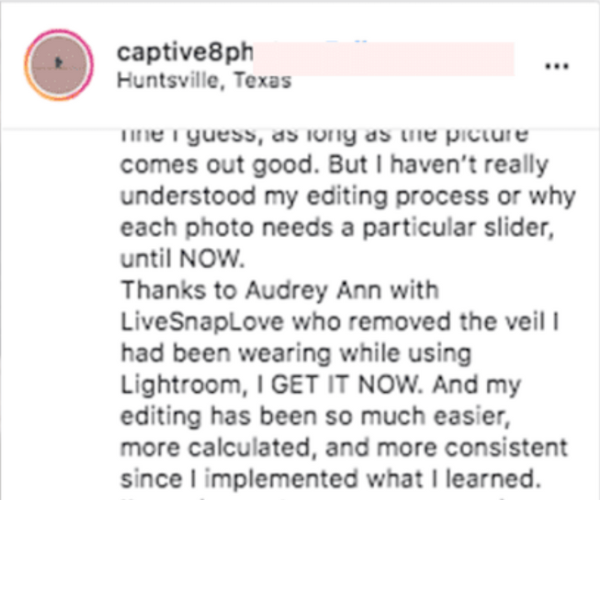
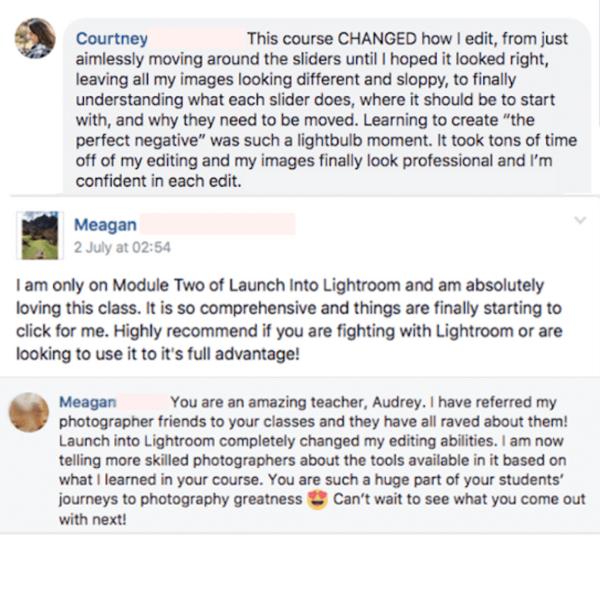
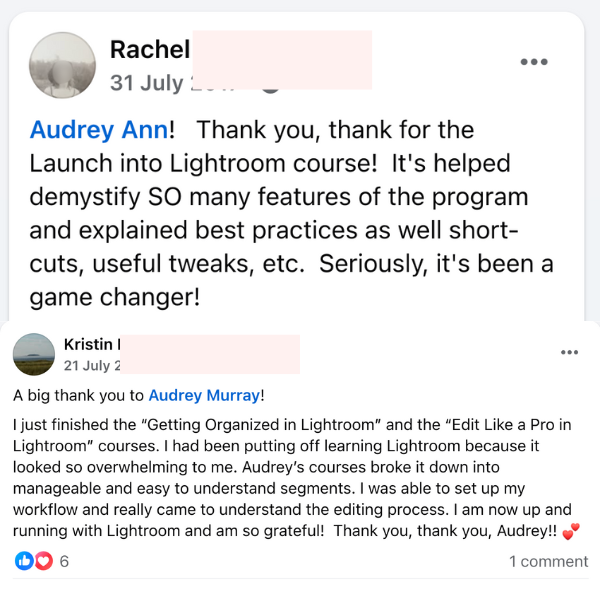
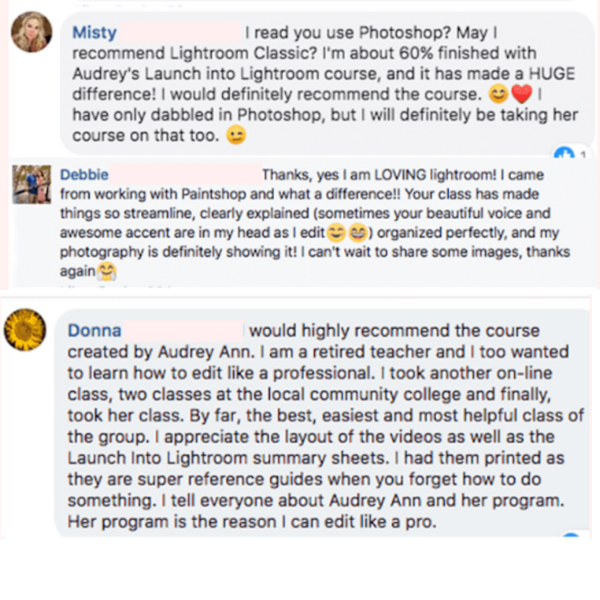
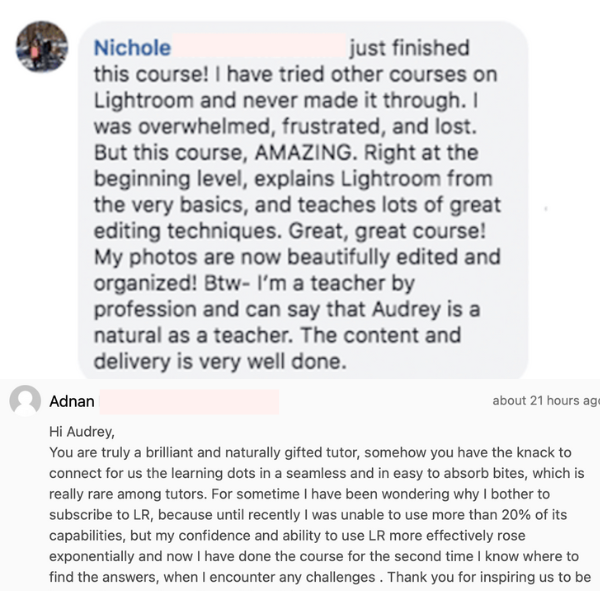
Here's what people like you are saying...
(NB Edit Like A Pro was previously called Launch into Lightroom)
Edit Like A Pro In Lightroom Classic
The step by step program to help you confidently transform your photos from good to great using Lightroom Classic.
Here’s what you’ll get:
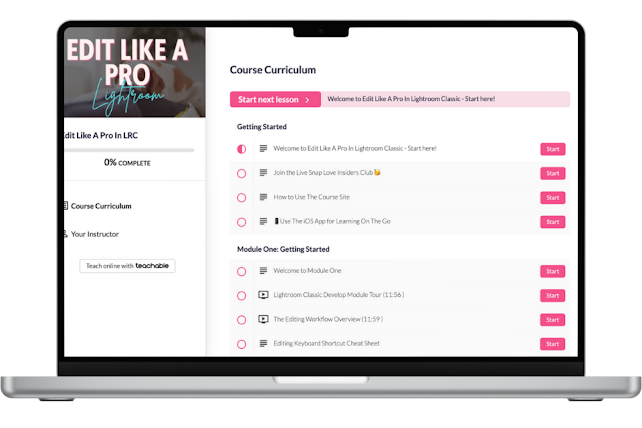
The 3 Phase Editing Framework
Wave goodbye to guesswork and say hello to a system that makes sense! Our unique, proven framework gives you a repeatable editing process you’ll use again (and again, and again).
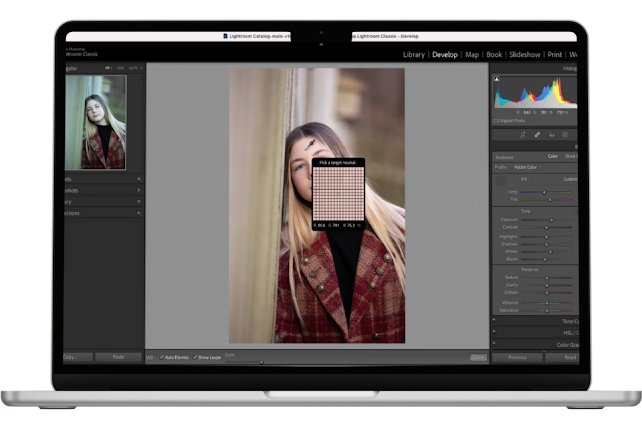
Step By Step Video Lessons
We’ll guide you through every step of the framework with easy-to-follow video lessons, showing you how each edit works on different types of images.
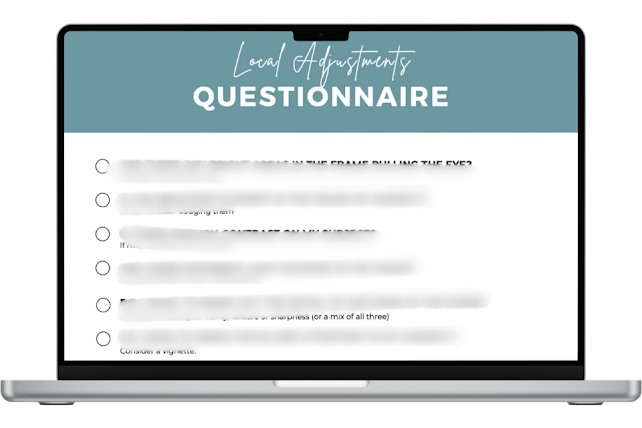
Editing Questionnaires
Learn to look at your photos like a pro! These prompts are here to train your eye to spot exactly what your image needs, and what could take it to the next level.
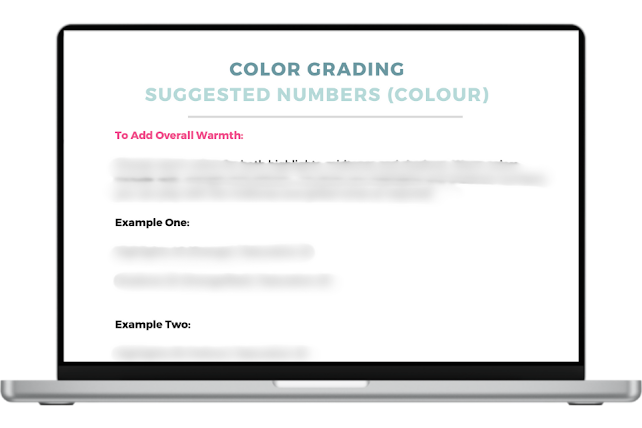
Creative Guides
Not sure what numbers to use or how to get that look? You’ll love these proven combination guides for applying a certain look or feel to your images.
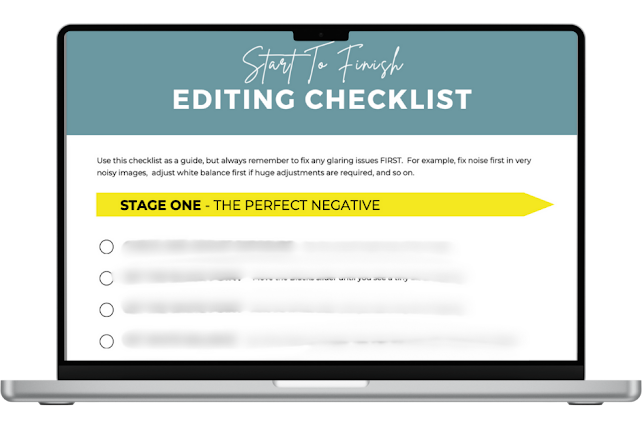
Editing Checklists
Never wonder what to do next! This phase-by-phase checklist walks you through every step, so you can edit with total confidence (instead of crossing your fingers and hoping for the best!)
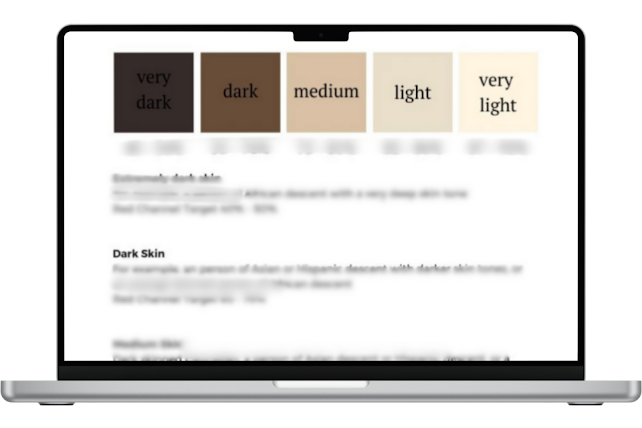
Skin Tones By The Numbers
Tired of guessing at whether the skin looks right in your photos? Take out the guesswork with real, proven target numbers you can use for all skin tones.
The Curriculum
Edit Like A Pro In Lightroom Classic consists of five modules that guides you through the process of editing your photos in Lightroom Classic from start to finish!
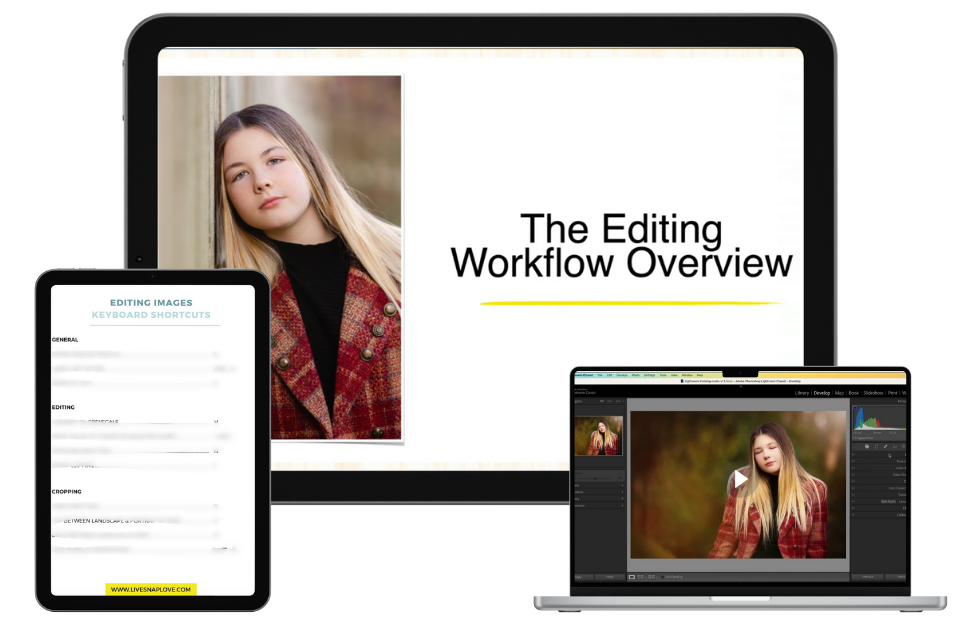
Module One: The Essentials
Get acquainted with Lightroom Classic by taking our virtual tour of the Develop Module.
Understand the big picture view, and how the 3 part editing process works (and why we do it that way)
We'll also give you an editing shortcut cheat sheet, which will help speed up your edits.
Finally, we'll go through some simple troubleshooting steps to follow if Lightroom Classic is not playing nice.
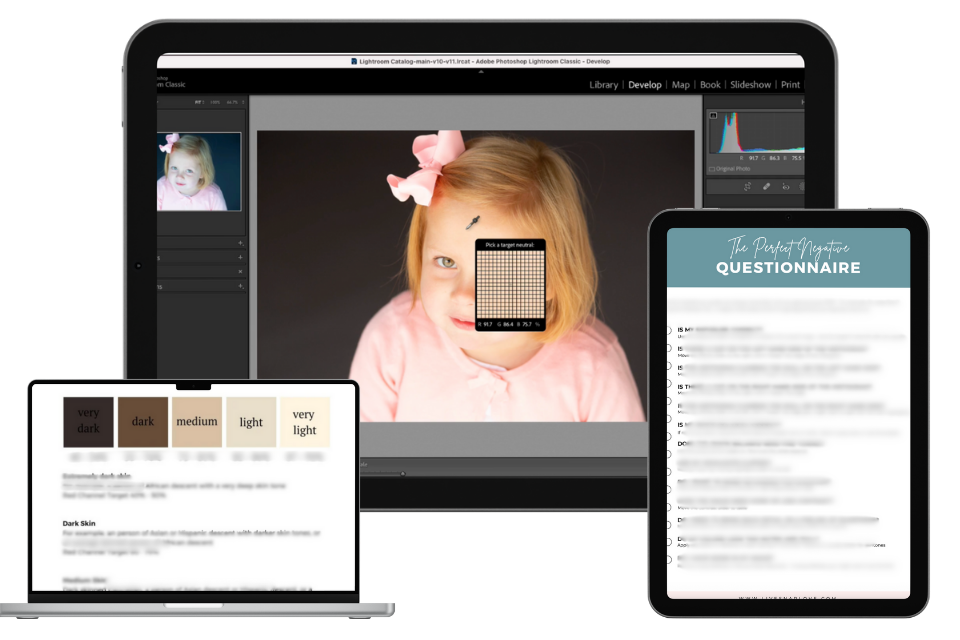
Module Two: Create Your Perfect Negative
Learn the secret to adjusting white balance to get authentic, true to life colour, along with our skin “formulas” for using skin as a guide.
Stop guessing at the perfect exposure, and instead use your subject’s skin to tell you when you've reached that perfect brightness.
Adjust overall and secondary contrast to give your image depth and pop.
Make basic enhancements to give a subtle boost, so your images look natural, but polished!
Discover how to adjust your image to make it look sharper and cleaner.
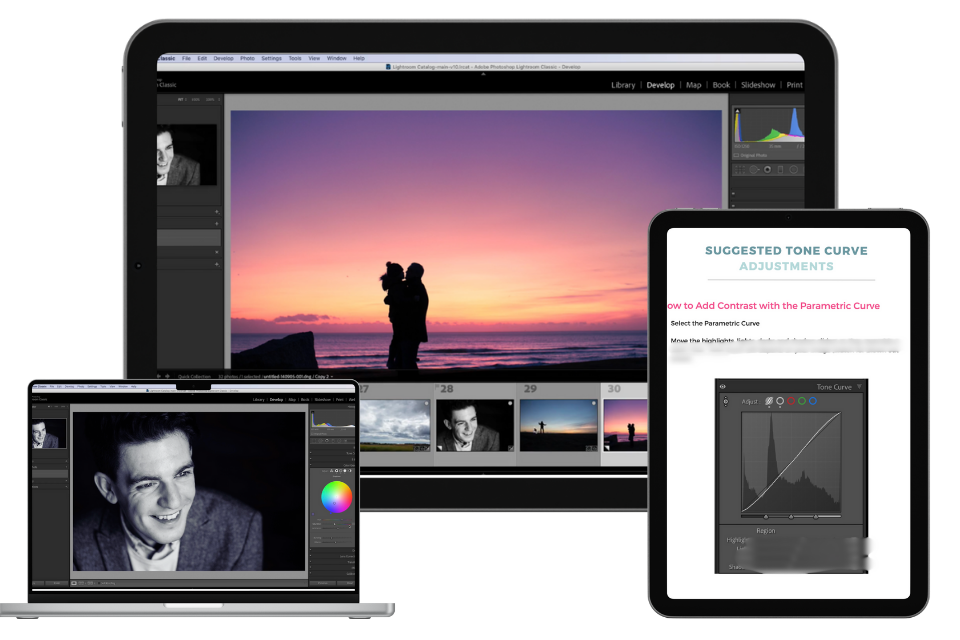
Module Three: Take Creative Control
Learn the pro tricks for adjusting the tones in your image to add interest and depth.
Discover how to convert images to stunning black and whites and the subtle adjustments that stop them looking "muddy"
Get the secret to manipulating the colors in your images to bring back lost details, add interest, or fix out of control colours.
Apply effective colour grading to to enhance your voice and the mood of the image. You’ll even get suggestions to which numbers look great together in our colour grading combinations guide to get you experimenting with ease!
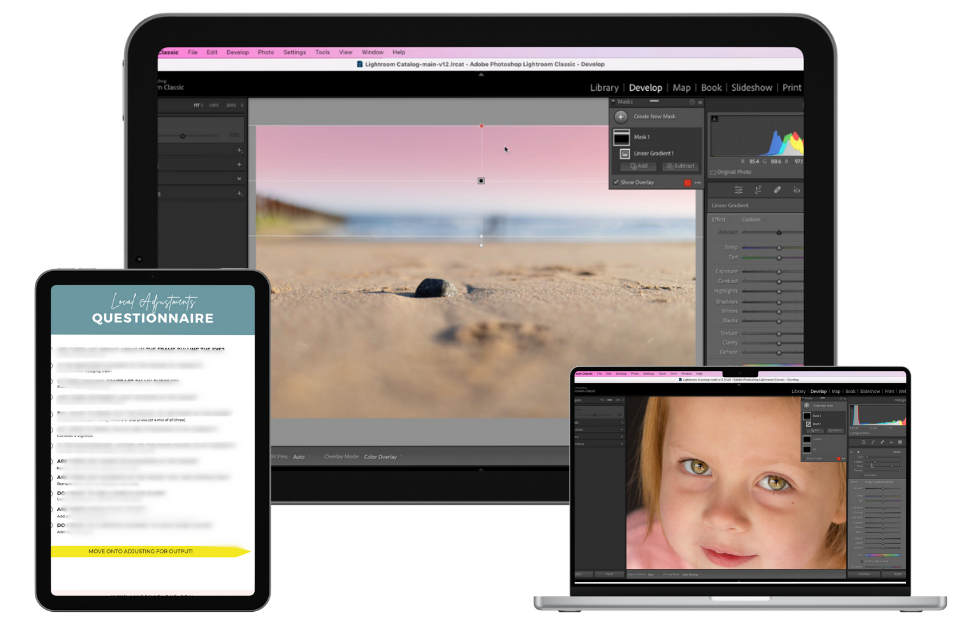
Module Four: Local Adjustments
Discover how to pull your viewers eye around the frame and bring focus where it should be.
Get pro secrets for playing with light and shadow that add depth and dimension to your images.
Take your portraits to the next level and make your subject looks like the best version of themselves (but without looking like plastic dolls or aliens!!!)
Clean up unwanted distractions from the frame for a sleek, professional finish.
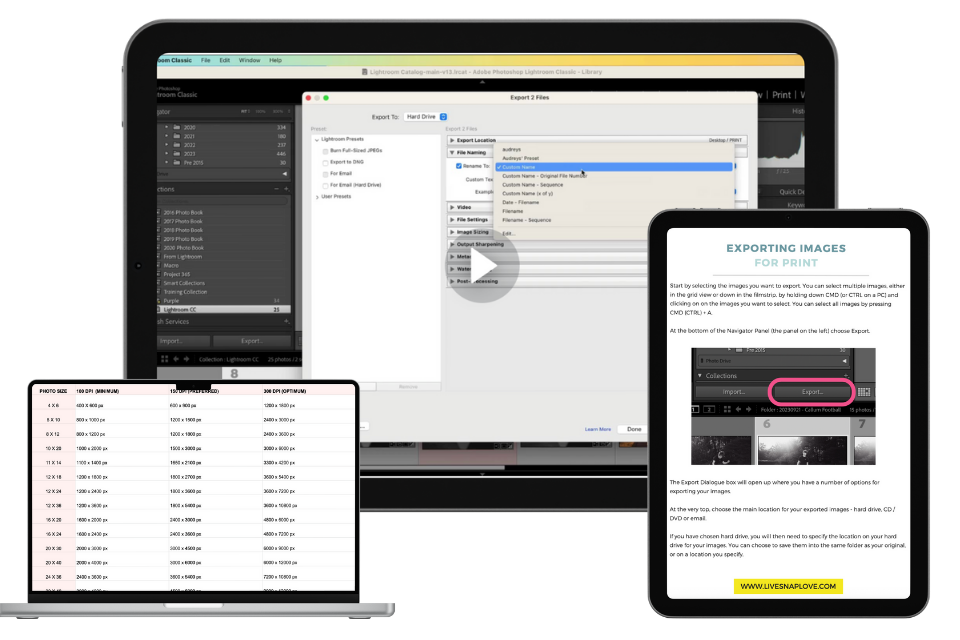
Module Five: Finishing Touches
We’ll cover how to ensure that your prints match the screen.
How to create high quality JPEG's for prints.
Make sure your online images look sharp and with good colour.
Finally, we'll go over how you can move images into Photoshop for advanced editing, and then back into Lightroom Classic again!.
PLUS THESE BONUSES - FREE!
GET YOUR HANDS ON THESE BONUSES FOR FREE WHEN YOU JOIN EDIT LIKE A PRO IN LIGHTROOM CLASSIC TODAY!
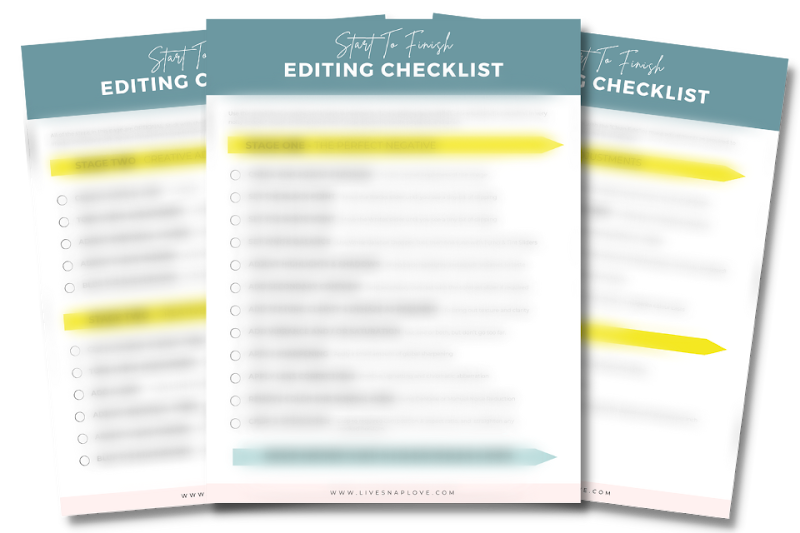
The Ultimate Start to Finish Editing Checklist ($47 Value)
What I would have given to get hands on this when I first started editing!
A complete, end to end checklist of edits, along with guides on why to do each step (or skip it) a reminder on how much to move your slider by and so on.
Simply work your way through the list, and when you're done, you should have a beautifully edited image that is uniquely yours!
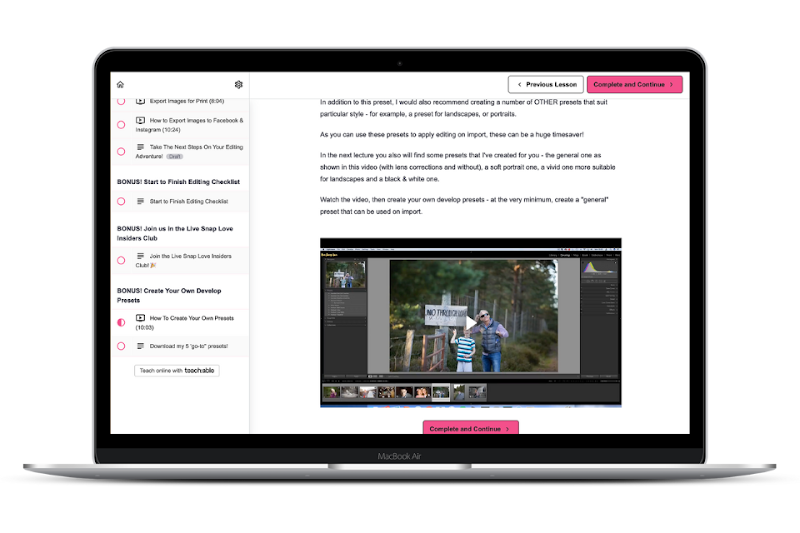
Create Your Own Develop Presets + steal mine! ($47 Value)
Once you have learnt how to edit, you'll start to find yourself making similar adjustments - and that's when it's time to create a preset!
Although presets are definitely NOT a replacement for learning how to edit, they are a great tool for speeding up your workflow.
In this bonus guide, we'll cover how to create your own Develop presets, plus I'll give you 5 of mine!
EXPIRING BONUS! Photo Book Boss ($97 Value)
In this actionable workshop, you’ll learn how to use the Book Module in Lightroom Classic to create your own photo books.
With guides to setting up, adding your photos, layout tips and more!
EXPIRING BONUS! The Simple Style System ($97 Value)
If your editing style is shaky at best, this is for you!
In this actionable training, I’ll break down how to edit with consistency, and develop your own unique editing style, so that every image looks like it was created by the same photographer - you!
Learn the repeatable pro editing framework for photos that WOW.
Only $347!
12 Months Access to The Entire Edit Like A Pro Course + Resources in our private client portal
5 Training Modules with Step by Step Video Tutorials
Complete 3 Part Editing Stacking Framework
Smart Editing Questionnaires
Step By Step Editing Checklists
Creative Guides for Color Grading, Tone Curves & More
Skin Tone By The Numbers Guide
FAQ Library
BONUS: The Ultimate Editing Checklist
BONUS: Develop Presets Training (+ Steal Mine!)
BONUS: Photo Book Boss
BONUS: The Simple Style System
Instant Access so you can start to edit like a pro today!

TRY EDIT LIKE A PRO WITH LIGHTROOM CLASSIC FOR 7 DAYS AT NO RISK
100% Satisfaction Guarantee
I want you to feel confident in trying out the program for yourself, which is why we have a 100% Risk Free Guarantee. If Edit Like A Pro truly does not help you, simply e-mail us your recommended end-of-module assignment from Module Two within 7 days from date of purchase, and we will issue you a full refund.
After those 7 days, you're stuck with us. (But I think you'll see that's a very good thing.) 😉
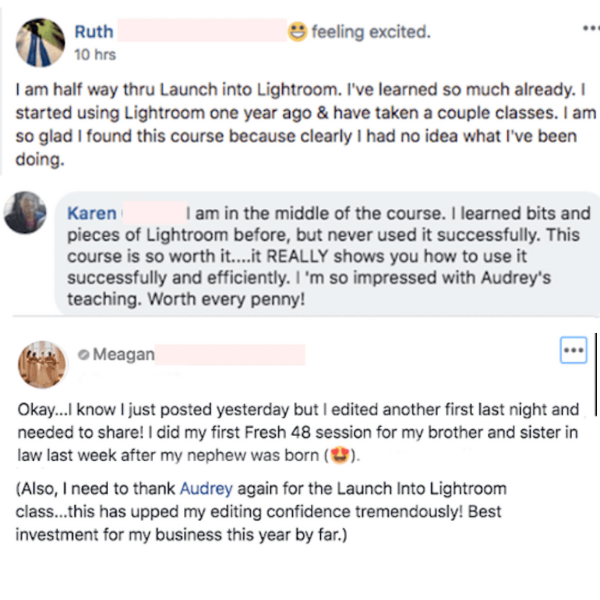
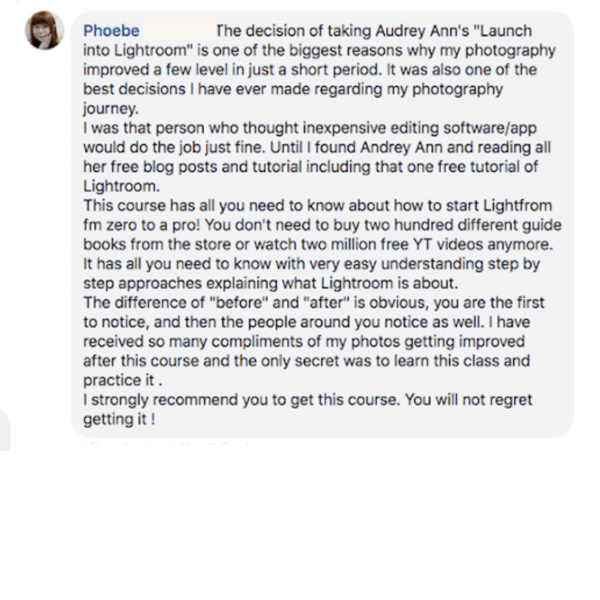
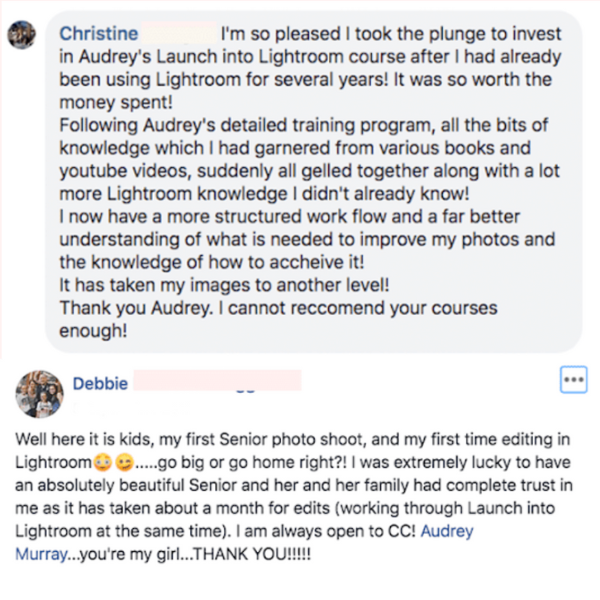
Here's what people like you are saying...
(NB Edit Like A Pro was previously called Launch into Lightroom)
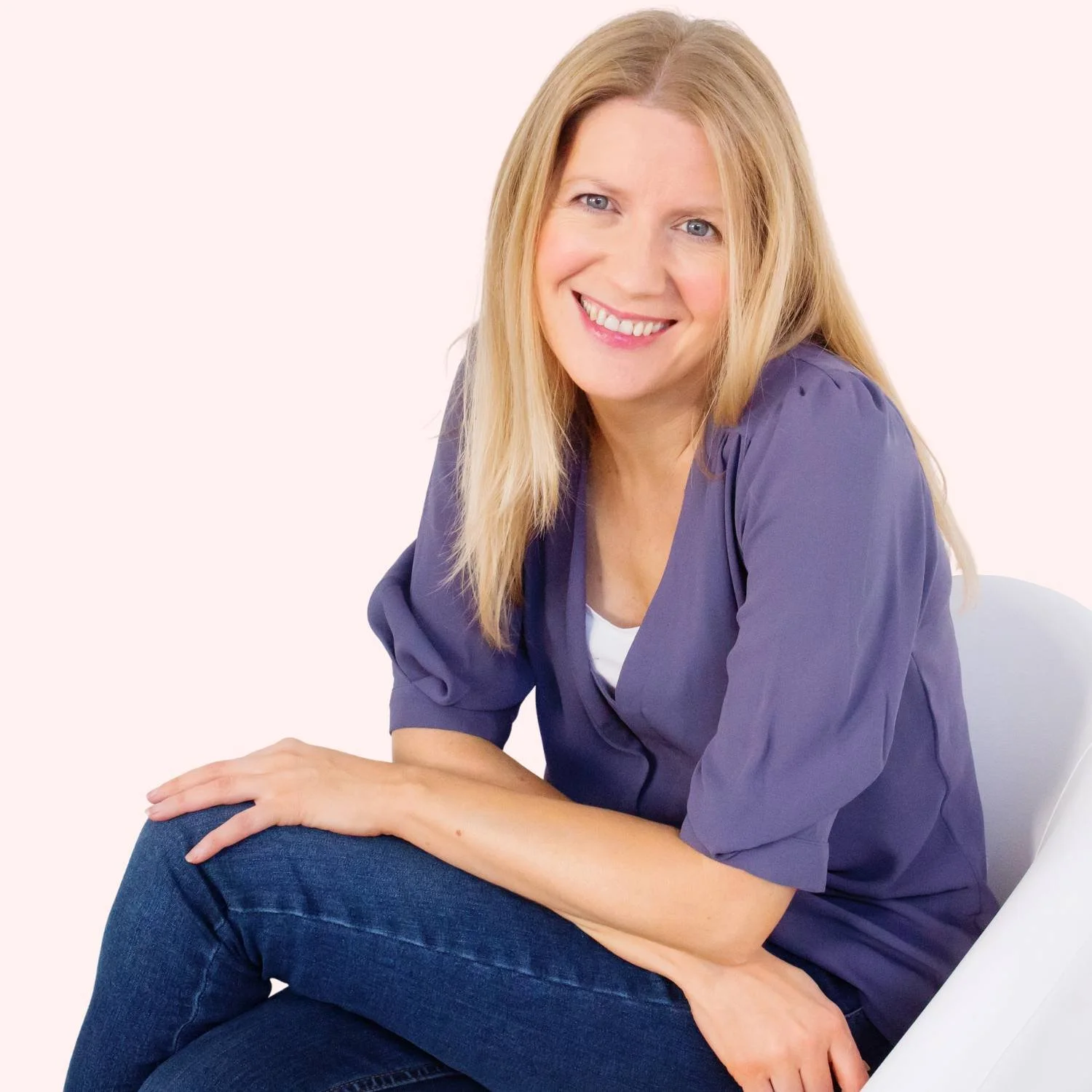
Hi! I’m Audrey Ann!
I can't wait to guide you through editing your photos like a pro with Lightroom Classic!
Learning how to edit effectively in Lightroom Classic has literally transformed my images, and helped me take them to the next level.
But I've experienced first hand just how confusing using Lightroom Classic can be at first, and overwhelming the the whole editing process can be. Especially when all you get online is "how-to" tips, rather than the "Why, when and how" tutorials you need!
I wanted to create a course that didn’t just teach sliders and buttons, but taught photographers how to see their photos, understand what they need, and edit with purpose.
And I wanted to save you from wasting years trying to figure it out on your own like I did!
That's why in this course I'm teaching you my unique framework that I've developed and refined over the last 15 years, so you can instantly master editing and get pro-level images in just a few days!
"Edit Like A Pro in Lightroom Classic" is perfect for you if you're...
Excited by the idea of having an editing framework to follow that will take away all the guesswork and random slider pulling.
Ready for more than just a few simple “how-to” tutorials and instead want to learn how to look at your photo like a pro and see what edits it NEEDS.
In dire need of a fast efficient workflow that helps you create photos that WOW in as short a time as possible.
Fed up with your "free-for-all" edits, and instead want an editing workflow that allows you to stay consistent with your own unique style.
A lifestyle / documentary / multi-passionate photographer, and want to create photos that capture the beauty of your days.
Or a family or portrait photographer who is ready to level up and charge more for their skills!
WE ALL HAVE TO START SOMEWHERE...
It's up to you if you stay there!
One of the most valuable skills you can learn as a photographer is how to edit your photos. It can lift a bland and somewhat boring image into a work of art, and help you get the professional, polished photos you've been dreaming of.
But editing your photos does not mean simply learning how to use the editing tools, following a tutorial on how to get a certain look, or slapping on a preset.
When you truly learn how to edit your images, you're able to look at WHAT that every unique image needs and WHY it needs it, before selecting the best tools to achieve that vision.
And the good news? You only need to learn this once, and it will serve you for years, because the principles behind editing never change...even when the tools do!
Are you ready to learn the strategy and structure behind editing your photos, so you'll have the skills to edit any type of photo, in any location and at any time?
“How does Edit Like A Pro compare to similar programs?”
I firmly believe that Edit Like A Pro in Lightroom Classic is the most comprehensive, most step by step, most valuable course of it's kind on the market, because it follows a system painstakingly created by me that you simply can't get anywhere else!
❌ While some programs will only teach you how to use the tools in Lightroom Classic (and miss out the skill of editing)
✅ Edit Like A Pro in Lightroom Classic teaches you how to look at your images and see what they actually need, what to skip, and which edits will make them pop - so you don't just learn how the tool works, you'll learn to think like an artist too!
❌ While other programs simply teach you theory about how to use Lightroom Classic...
✅ We tie it all together with a proven, end-to-end editing framework that shows you exactly what to do (and in what order) so you’re never just guessing what comes next.
❌ While other programs simply explain what each tool does and sends you on your way...
✅ We go further with concrete editing steps, like suggested color toning "numbers", target ranges for skin tones and even how to know when you've moved a slider enough—so you know exactly when to stop tweaking!
❌ While other programs are created by people with little to no experience in photography or Lightroom Classic, or are 2 years out of date...
✅ Our unique, proven system has been created by a photographer with over 15 years editing experience in Lightroom Classic, and has been tested and loved by over 1200 students from it's first incarnation in 2016! And yes, it’s updated every year too 😉
You can't get this anywhere else!
Our 3 step editing framework - along with the number combinations, skin tone guides, editing questionnaires and more - is unique to Live Snap Love....because they were created by me!
So say goodbye to simple how-tos and endless trial and error. Instead, get the course that gives you everything you need to edit with confidence.

Get started today, and imagine what it will feel like when you…
Editing your photos with total confidence because you know exactly what to do (and why).
Opening Lightroom Classic and feeling excited to edit your photos (because you can already see the finished result in your head and know how to get it!)
Looking at a photo and knowing exactly what it needs to make it pop.
Hearing "OMG… did you take that?!" from friends, family, and clients.
Spending less time guessing at sliders and more time creating stunning, polished images.
Finally having a signature style that makes your work stand out.
Feeling proud (not panicked!) every time you hit "export."
And can make transformations like these.!







"“Love Audrey's teaching style - so easy to follow and understand. I have definitely improved my photo editing skills since taking the course and it's well worth the money - you won't regret it!!"
- Joanne
"Your class has made things so streamlined, so clearly explained (sometimes your beautiful voice and awesome accent are in my head as I edit!) and my photography is definitely showing it!!
- Debbie
"I took another on-line class, two classes at the local community college and finally took her class. By far, the best, easiest and most helpful class of the group!”
- Donna
"All the bits of knowledge I garnered from various books and YouTube videos suddenly all gelled together along with a lot of Lightroom knowledge I didn't already know! I now have a more structured workflow and far better understanding of what is needed to improve my photos. It has taken my photos to another level!"
-Christine
"Thanks Audrey! Your course provides the depth-filled knowledge that goes way beyond the tips and tricks videos I used to search online for in the past. This course has been SO worth my time and investment”
- Jennifer
“Love the mix of PDF’s, checklists and videos….this is one of the best organised and executed teaching resources available”
-Julie
"The course is methodical and easy to follow as well as being fun - I saw an immediate improvement in my images! I find myself going back and revisting lectures as my skill level improves - so much learn"
- Pam
"I am about 60% finished with Audrey's Lightroom course and it has made a HUGE difference. I would definitely recommend the course! "
- Misty
“Audrey's system for consistent editing has increased my editing speed exponentially. Editing has become fun, fast and easy instead of a chore I keep avoiding!”
-Jen
Maybe you're wondering...
-
The class teaches you Lightroom Classic, but you can certainly take the knowledge you learn in this class and apply it to Lightroom CC, or even Adobe Camera RAW (the plug in you get with Photoshop Elements)
However please note that Lightroom Classic has one or two tools that Lightroom / ACR does not have, but for the most part, the editing process is completely transferrable.
-
I hear you! But know this : you could spend months researching how to use Lightroom Classic from various online tutorials, AND then even more months (if not years) learning how to edit, but I’m pretty sure you don’t have time for that!
With this program you’ll get step by step lessons, editing questionnaires and all the resources you need to get you where you want to be in weeks rather than years.
On a more concrete note, it will take you approximately 4 hours to watch all the videos, but we recommend spreading this out over 2 - 3 weeks so you have time to practice too.
-
As soon as you join us, you get instant access to all the modules and lessons, so you can roll up your sleeves and get started today!
-
You have a full 12 month access to the Edit Like A Pro course in our online course portal!!
-
If Edit Like A Pro truly does not help you, simply e-mail us your end-of-module suggested practice from Module Two within 7 days from date of purchase, and we will issue you a full refund. After those 7 days, you're stuck with us. (But I think you'll see that's a very good thing.) 😉
-
This program only covers the editing side of Lightroom Classic, so everything you learn is within the Develop module. We don't cover the Library module (where all the photo organization happens!) but never fear, we have a step by step program called Get Organized in Lightroom Classic where all that magic happens!
-
Edit Like A Pro in Lightroom Classic is a self study course, but at the end of each module you will find our FAQ hubs - these have answers to loads of common questions, so we're pretty sure your question will have been answered!
You also have access to our student community, which is a great place to ask questions too!
-
The skills and techniques in the course and can be applied to many different types of photos, so it's perfect if you are a "multi-passionate" photographer! However, the content does cover "people" photography, with guides for getting skin tones right, and portrait enhancement, so if you never, ever plan to shoot people, then perhaps another course would be better for you so you're not learning stuff you don't need.
-
As soon as you checkout you get instant access to the entire program immediately in our online course portal! We'll also send you a confirmation email, with a link to the course portal, so you can log back whenever suits you over your 12 month enrollment.
-
No. The Lightroom Classic program is available on subscription from Adobe. You sign up for the Photography Plan and you'll get access to Lightroom Classic, plus Lightroom and Photoshop. You can find out more about it here: Photography Plan From Adobe.
-
Yes! Although we first developed this unique 3 part editing framework waaaay back in 2016, back when the course was called Launch into Lightroom, it has been developed and updated every year since to take advantage of the latest tools and improvements of Lightroom Classic.
-
Unfortunately, we have recently had our work copied and used without our permission, including, but not limited to, the unique system we teach inside Edit Like A Pro in Lightroom Classic . Although these have since been taken down from sale after a copyright infringement notice was issued, you may have seen something spookily similar -please note that our system is the original!
-
Get in touch with your questions, we’re happy to help! You can email us at hello(at)audreyannphoto.com or by clicking here.
© Copyright 2014 - 2026, Live Snap Love Terms of Sale | Disclaimer | Privacy Policy